
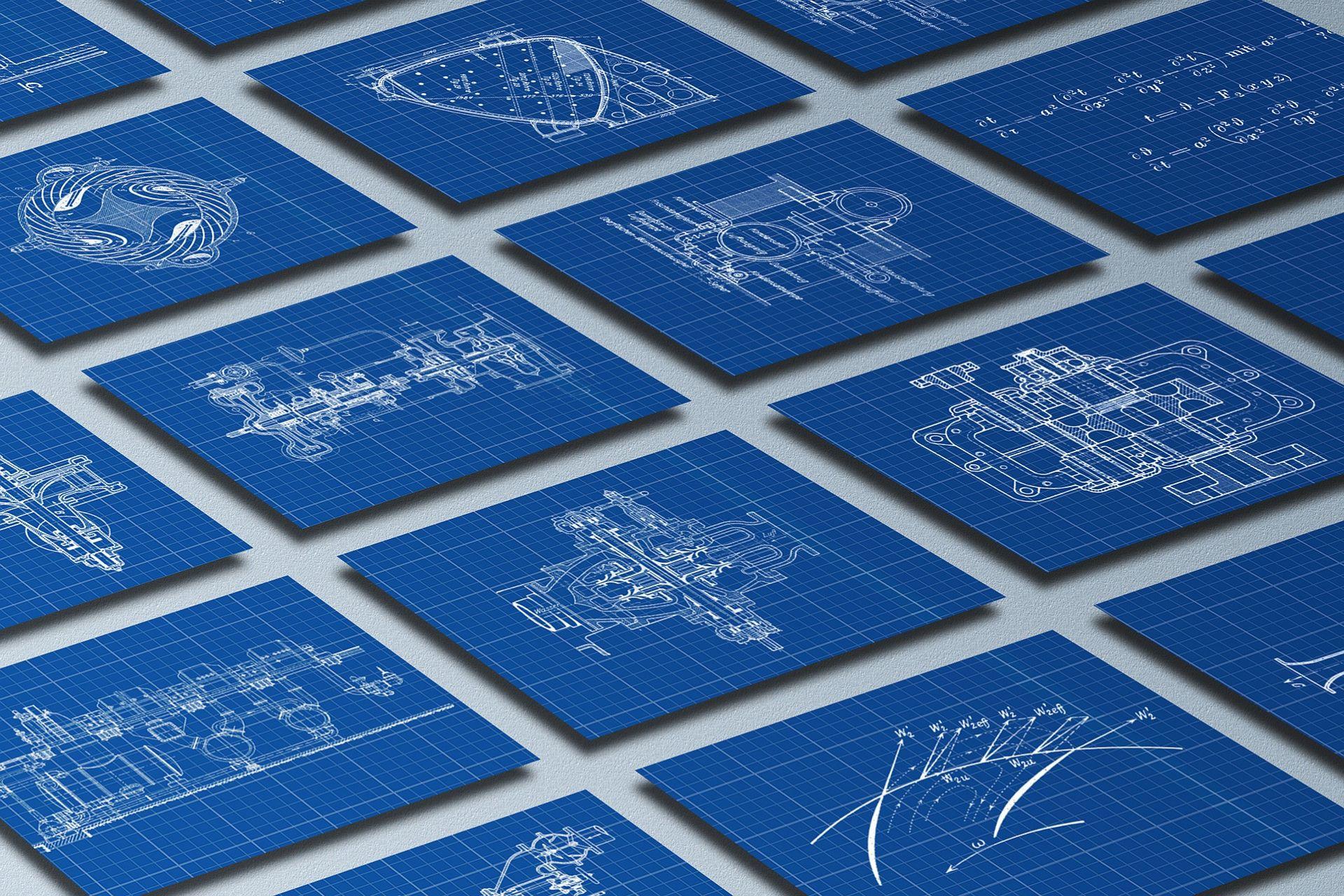

AutoCAD is a special software popular among architects, engineers, and designers that allows them to create 2D and 3D models of their plans. It has a long list of user-friendly features that allow you to create beautiful and detailed virtual renders of your proposals. Discover the most prominent features in AutoCAD that beginners need to know. Once you've mastered the basics, you can create even more detailed drawings for any projects that come your way.
Best AutoCAD Features for Beginners
- Extreme precision capabilities
- Custom design/asset library
- Track changes and revisions
- File saving and sharing
- My Insights tool





What Exactly Is AutoCAD?
Before understanding the unique features that AutoCAD offers, it is important to learn what AutoCAD is and why it is different from other CAD software.
CAD stands for “Computer-Aided Design.” These highly advanced programs allow users to model their plans to design and even assess their physics and strength in a virtual space.
What makes AutoCAD stand out from other CAD programs is that it focuses more on aesthetics, making it better for both designers and client presentations. It can create 2D and 3D models featuring details like furniture, wall and floor treatments, landscaping, and more, which brings ideas to life.
As a result, AutoCAD is no longer only used by architects and engineers, for whom the software was initially designed. Today, interior designers, graphic artists, video game developers, hobbyists, and countless other fields use it in their day-to-day affairs.

Core Features of AutoCAD
Now that you're familiar with the program, it's time to understand the key features of AutoCAD. The modeling tool has a host of unique elements. Learning them means you can unlock AutoCAD's full capabilities, allowing you to create structurally sound, architecturally beautiful 2D and 3D models for any project.
2D Drafting and Annotation
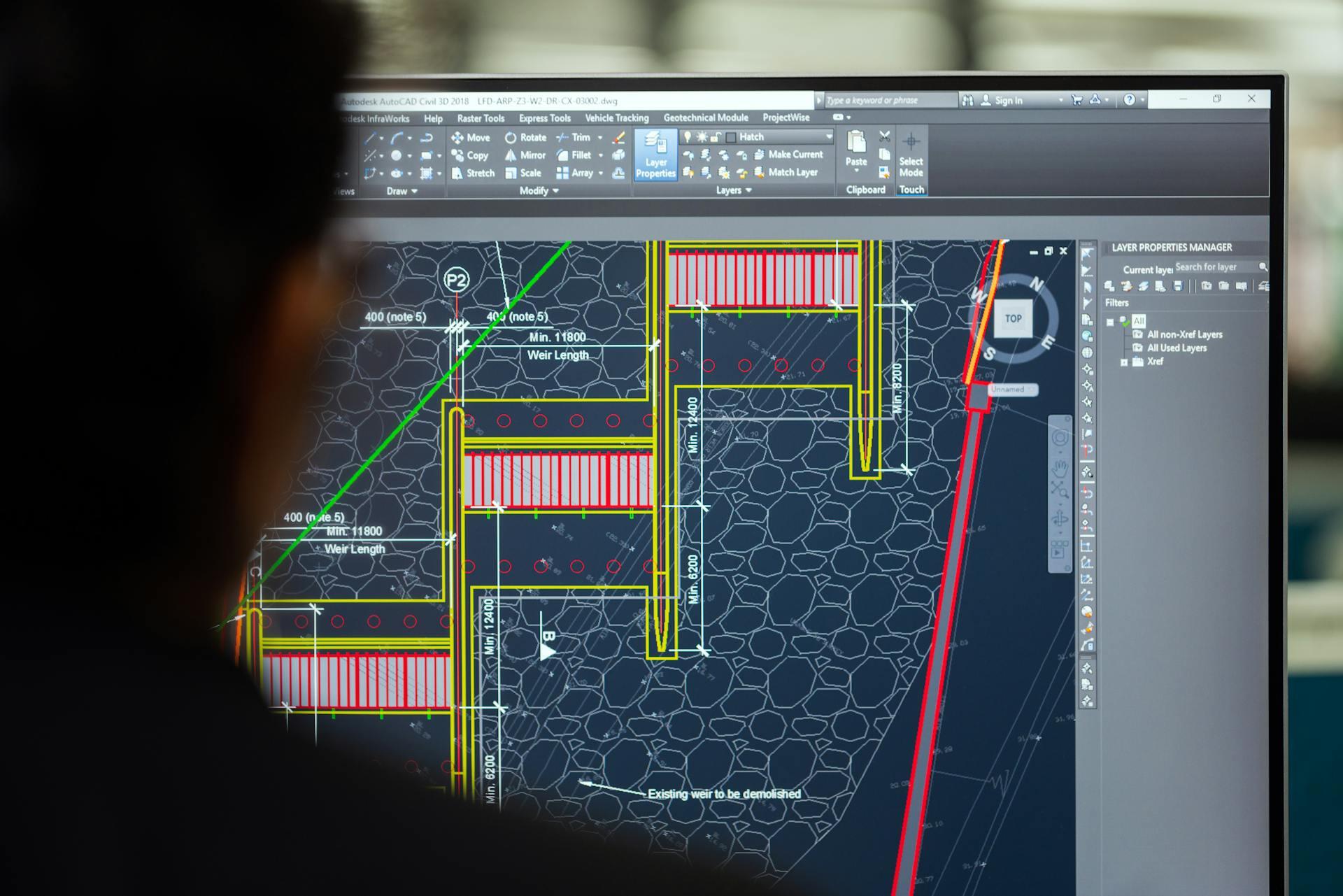
The most basic feature any new user learns is how to create 2D drawings in AutoCAD. These drawings are crucial for any build or planning. From the initial engineering and architecture planning to the interior and exterior designing, to builders and construction workers, to electrical and plumbing, everyone relies on the same accurate, well-planned drawing to work together and make a build materialize.
AutoCAD is one of the best tools in the business for creating 2D plans. The 2D drawing tools are simple and straightforward to learn. The myriad features in 2D drawing mode, like snap and layer, plus the quick commands like circle, rectangle, arc, and line, make it simple to create mathematically precise and understandable drawings.
You can type in the specific measurements to ensure proper scale and location. With annotations, you can type the crucial information directly into the drawing, so all who see it can easily see what they need to know.
3D Modeling and Visualization
The 3D modeling features three prominent modeling types: solid, surface, and mesh. Beginners should practice with solids first, since they're the simplest to understand.
AutoCAD's software makes it easy to turn a 2D shape into a 3D model using commands like extrude, union, subtract, and intersect. 3D pieces can be rotated, sliced, aligned, and snapped into place for precise positioning. The 3D program supports layers, so you can easily group different objects as needed.
You can easily build a 3D model and have AutoCAD create multiple 2D drawings that even auto-update if you make changes to the 3D model. The 3D modeler can accept manual input like height and width while keeping real-world considerations like wall thickness in mind, so the model and generated 2D drawings are accurate.
Compare AutoCAD's 2D and 3D features:
| 2D Model | 3D model |
|---|---|
| Quickly draft dimensions | Advanced 3D navigation |
| Linkable to forms and spreadsheets | Attach cloud files |
| Store custom views | Apply realistic lighting effects |
| Dynamic blocks | Draw cross-sectional drawings |
| Extract data from objects and structures | Render directly in the cloud |
| Matrices creation | Highly realistic 3D modeling |
| Customizable text settings | Detailed model documentation |
| Display multiple views of your model | Several available visual designs |
Layer Management
In both the 2D and 3D designing modes, layers do much more than just group objects together. Changing certain properties in layers can change all the objects within a layer at once. For example, the line weight, transparency, or plot style of a group of objects can all be modified at the same time.
Like most programs with layers, you can also hide and lock the layers. In AutoCAD, you can also "freeze/thaw" layers, which helps your computer's RAM and improves performance in drawings and models with lots of data.
Parametric Constraints
With parametric constraints, you can apply rules to your drawings that remain even if you make a change to an object or something it's attached to. For example, you can constrain a set of circles to be concentric, so they'll all change if you move one of them, maintaining the relationship.
Set lines to always remain parallel or perpendicular, points to always remain connected, or measurements to always stay equal, among other things.
You can also assign named parameters and use formulas to precisely make objects the right size, angle, etc.
Automation and Customization
One of the best features of AutoCAD software is the custom library. Create objects as simple or intricate as you want and save their design for later use. Items in the library can be used across all your designs and even shared with others in your team, so everyone has precisely the correct measurements for standardized objects.
Advanced users can use features like Auto LISP (AutoCAD's native scripting language) and Scripts (.scr files) to automate repetitive drafting tasks and batch-edit drawings. The Action Recorder allows you to screen record your process for easy tutorials and explanations.

Collaboration and Accessibility Features
AutoCAD functions with collaboration in mind, making it easy for teams to work together on projects. Teams can easily share drawings and drafts without losing data. They can pull assets from the same library to ensure standardization.
AutoCAD Web and Mobile Apps
With web and mobile app access, anyone in the team can view and edit drafts from anywhere. This makes it easy to collaborate from anywhere. The office team can edit live documents for the on-site team to instantly view. On-site team members can add notes and measurements directly to drawings and files for everyone to see.
Cloud Integration
AutoCAD works with Autodesk Drive, Autodesk Docs, and other cloud-based storage. Instead of sending the file each time, the document can be shared via link, ensuring there is always one most up-to-date common file for everyone to reference. This prevents the problems that come with a handful of downloaded documents with different notes on them floating around.
Industry-Specific Toolset
One double-edged feature of AutoCAD is its use of .dwg files, the native filetype used for many 2D and 3D designs in the Autodesk family. This ensures drawing data and metadata are properly transferred within the Autodesk family, but means drawings cannot easily be shared across different programs. However, they can be converted to be usable in other applications.
AutoCAD is full of pre-set commands and objects that adhere to industry standards, making it easier to begin a project with confidence and compliance.
Mechanical Toolset
When drafting, engineers and designers can easily use objects from the library and generate a BOM (bill of materials), making it easy to keep track of what materials are needed. The mechanical drafting standards (ISO, ANSI, DIN, JIS) can easily be adhered to with AutoCAD's built-in functions.
Engineers can easily create machine designs, fabrication drawings, and manufacturing documentation with less repetition and opportunity for error.
Electrical Toolset
For electrical planning, AutoCAD automatically checks for system soundness, pointing out errors along the way. This helps reduce missing connections and improper wiring. It also automatically numbers wires, making it easy to keep track of the large number of electrical wires needed to run through a building. The library carries extensive electrical symbols, making it even easier for electrical engineers to create schematics and layouts.
Benefits of Using AutoCAD
Why use AutoCAD for drafting, drawing, and designing? In today's world, relying on hand-drawn drafts is highly inefficient. Programs like AutoCAD make the process of engineering and designing much faster. Programs like AutoCAD can also help calculate whether a proposed design is physically or structurally possible, cutting down on errors and problems to be discovered later on.
These benefits of AutoCAD are worth the investment required to get the software and learn it.
Precision
Perhaps the most important characteristic of any modeling tool is its precision. You have to be able to make the tiniest, most fractional changes to your model.
This high level of precision would allow you to reduce the margin for error, which is necessary when designing buildings and interiors. You do not want to model an imprecise bridge on a CAD program and then struggle to translate that model into real life.
On top of this, precision can also open up new opportunities. For example, since you can account for every single inch in your floor plans, you will be able to maximize space and not operate on guesswork.
You can input decimal places in AutoCAD, allowing you to plan with a level of precision that hand-drawn models could never offer.
AutoCAD allows you to choose from several measurement options while drawing: decimal, architectural, engineering, fractional, and scientific. You can also choose which unit to measure by, such as millimeters. The same is true for measuring angles.
The precision can be measured to 8 decimal places.
Efficiency
Drawing maps and models using CAD software is obviously faster and better than doing it by hand. But AutoCAD takes this a step further.
You have a reusable block library available to you that you can access for premade renders of plans and structures. You can edit these renders to fit your vision in any way you want –resizing, rotating, mirroring, or stretching them according to your needs.
If you have any custom designs you intend on reusing, you can save them to themed libraries that you can access at a moment’s notice.
As a result, you can quickly access whatever you need and reshape it as per your model’s needs instead of being forced to make everything from scratch every single time. Learning AutoCAD will significantly speed up the design process and save you valuable time and effort.
Revisions
Of course, no model’s first draft is ever the final draft. Architects and engineers need to revisit their original plans all the time and make adjustments and readjustments to keep up with ever-evolving needs.
With AutoCAD, you can simply edit or make as many changes as required.
You can even revert to older save files of the model if you want to begin from an earlier stage of the project.
User-friendly tools allow you to add, delete, and edit whatever you need swiftly.
This is a superior process to drawing by hand, where it becomes extremely tedious to erase and redraw any revisions.
Best of all, AutoCAD’s built-in analytical and physics tools will assess the stress and physics of your model in real time.

You will have instant results, informing you whether or not any modifications to your original plan will compromise or strengthen the building’s structural integrity.
Accessibility
Any designs created on AutoCAD will last a lifetime. Physical copies of a 2D or 3D model are very easy to lose, misplace, or destroy. On the contrary, digital copies of the plans created on AutoCAD can be saved in multiple locations to ensure you never lose them.
Additionally, you have multiple options for file storage. You can store them on your own drive or save them on shared company drives so the whole team can access them at once and work on them in real time.
Lastly, you can even upload the files to dedicated servers in the cloud. Cloud servers are highly secure and easily accessible by teams.
My Insights
An outstanding feature of AutoCAD is My Insights. These are personalized feedback and recommendations on your designs by the modeling tool.
These insights are customized based on how you, as a user, utilize AutoCAD. You will receive statistics on the application’s performance and data on your drawing files.
But more than that, My Insights will give you tips and learning paths. You will also get recommendations on how you can maximize the use of AutoCAD’s features. In other words, you will not be modeling alone – an advanced AI will be right there with you, offering advice and suggestions to maximize your design’s efficiency.
Learn AutoCAD with Superprof
Learning AutoCAD opens an array of career opportunities. It can help you excel professionally, especially if you are an architect, engineer, or interior designer, or aspire to become one.
Superprof offers online AutoCAD classes that are accessible and affordable. Without worrying about joining an advanced engineering school or community college, you can rest assured that you will be trained by the best AutoCAD tutors in the field.
Learn AutoCAD from the comfort of your home at any time you want. Get in touch with Superprof and schedule your first AutoCAD class online today!
Summarize with AI:
Enjoyed this article? Leave a rating!

 Loading...
Want to start AutoCAD as a
beginner
Hello Hunsuyanne! Thank you for your interest in AutoCAD beginner classes. To sign up head over to Superprof.com and type AutoCAD in the search box and your desired location. After that a team of expert tutors will become available to you to start your beginner lessons!