


No matter what kind of creative writing you do, you need the right tools for every job.
Naturally, every writing task is different, and creative writing can include everything from novels and poetry to blogs to writing professionally for a client.
Here, we've chosen some really useful tools, resources, apps, and programs that every creative writer should consider using. We're not saying that you have to use them all, but there are certainly a few that you should consider.







Using AI for Creative Writing
In many different creative industries, the question of AI comes up a lot. If you're getting started with creative writing, it can be tempting to use it because AI is a powerful tool for writing. However, like any tool, you need to know how to use it appropriately.
For one, we'd never recommend using AI to do your writing for you. Generative AI for writing tends to produce generic and dull content and can't currently replace a good writer.
It's fair to say that using AI to do your writing and then passing it off as your own is stretching the definition of what it means to be a writer and it's not something we'd recommend.
After all, using AI to do your writing for you is like copying your homework from somebody else. You might get the right answers and even have some acceptable work, but that doesn't mean you understand the topic.
AI can be quite useful for quickly getting over writer's block and for initial research. If you're stuck on ideas, it can help to get AI to provide some for you. You shouldn't copy these ideas verbatim, but seeing the ideas might give you enough inspiration to kickstart your brain and enable you to get some words written down.
The same is true for research. AI can very quickly provide you with the initial research on any topic. It can point you in the right direction, but it's still up to you to delve deeper and verify everything provided to you by AI.
AI can also be useful for structuring your writing, but when it comes to creative writing essays, you should probably look at our guide to essay outlines.
AI needs to be treated in the same way as any other source or resource that you use. Think carefully about the validity of what it's saying or claiming, check it against other resources, and make sure you're aware of all its limitations and drawbacks.
Popular AI tools for writers include ContentShake AI, Copy.ai, Jasper.ai, Sudowrite, and ChatGPT. As with most writing tools, there are free and paid-for versions, with the cost depending on the platform, the number of users, and how much you use it.
We'd recommend trying a few different AI tools out before choosing one and seeing how they can help you with your writing before committing to paying for one of them.
Before you start looking to AI to write your essays, novels, or even homework, it's worthwhile watching this informative video on the ethics behind it.
Grammar and Editing Tools for Writers
While AI and technology can be used for research, coming up with writing ideas, and even writing content for you (though we don't recommend that), one of the best ways to use technology is to check your grammar, spelling, and editing.
Much like with AI writing tools, grammar and editing tools have their limits and certainly can't fully replace human editing as they are today.
However, it can always help to have one of these tools to check your writing. You should also always check and edit your writing yourself, but technology can be used to spot errors that you might have missed.
Conversely, these tools can miss certain errors that only a human could spot. For example, if you spell a word wrong but it coincidentally is another word that exists, a lot of spellcheckers won't flag this. Similarly, if you make a grammatical mistake concerning "they're", "their", and "there" or "to" and "too", spellcheckers will often overlook them.
Good grammar-checking tools will often find these, but there are still mistakes that can slip through the cracks so it's best to use a combination of grammar and editing tools, spellchecking, and human editing and proofreading.
Some of the recommended grammar and editing tools include Cliché Finder, Grammarly, ProWritingAid, Hemingway Editor, and SEO Writing Assistant.
All of these tools will offer suggestions to correct and improve your writing and are a quick and easy way to check your work, though we always recommend that you go through everything yourself to pick up on errors that these tools might miss. For in-person or one-to-one help, you can also look for an english tutor near me.
Tools and Resources to Focus on Your Creative Writing
Sometimes, writers will be full of inspiration and ready to create. Other times, putting pen to paper or even just creating any text will seem like an impossible task.

This may be down to a lack of inspiration or it might be because there are too many distractions. If you write on a computer or have your phone within reach, it may be too easy to start browsing the internet, answering text messages or chats, endlessly scrolling through social media, or even watching TV series, movies, or videos on YouTube.
With that being said, reading some of the most popular types of creative writing can help you with inspiration rather than be a distraction, but you still might want to consider using tools to help you to focus.
Cold Turkey, for example, essentially turns your computer back into a typewriter until you reach your writing goal. It does this by blocking everything on your computer. You can get Cold Turkey by paying a one-off fee.
FocusWriter creates an environment for writers that's free of distractions and includes features like customizable themes, statistics, spell-checking, portable mode, timers and alarms, and daily goals.
OmmWriter also creates a space for writers to focus, but it also helps by providing natural backgrounds, audio tracks, and sounds while you type.
If you're focused enough without using a tool, that's great, but you could also consider Freedom, Scrivener, and Strict Workflow to help you focus on getting the best out of the time you spend writing.
Set yourself goals (number of words, time spent writing)
Use tools to block distracting websites and apps
Opt for instrumental music (lyrics can be distracting)
Get a good night's sleep, eat well, and exercise
Keep distracting devices like phones or tablets out of reach
Word Processors for Creative Writing
Most writers will have their preferred word processing software and are unwilling to change, but if you're looking for the best way to write, you need to use the word processor that works for you.
Some of the tools we mentioned earlier allow users to write and edit text from within a distraction-free writing environment so you might not necessarily need one of these word processors if you use them in your writing.
You might still need a word processor if you collaborate with other writers, work for clients, or need to get suggestions, notes, or edits from your editor.
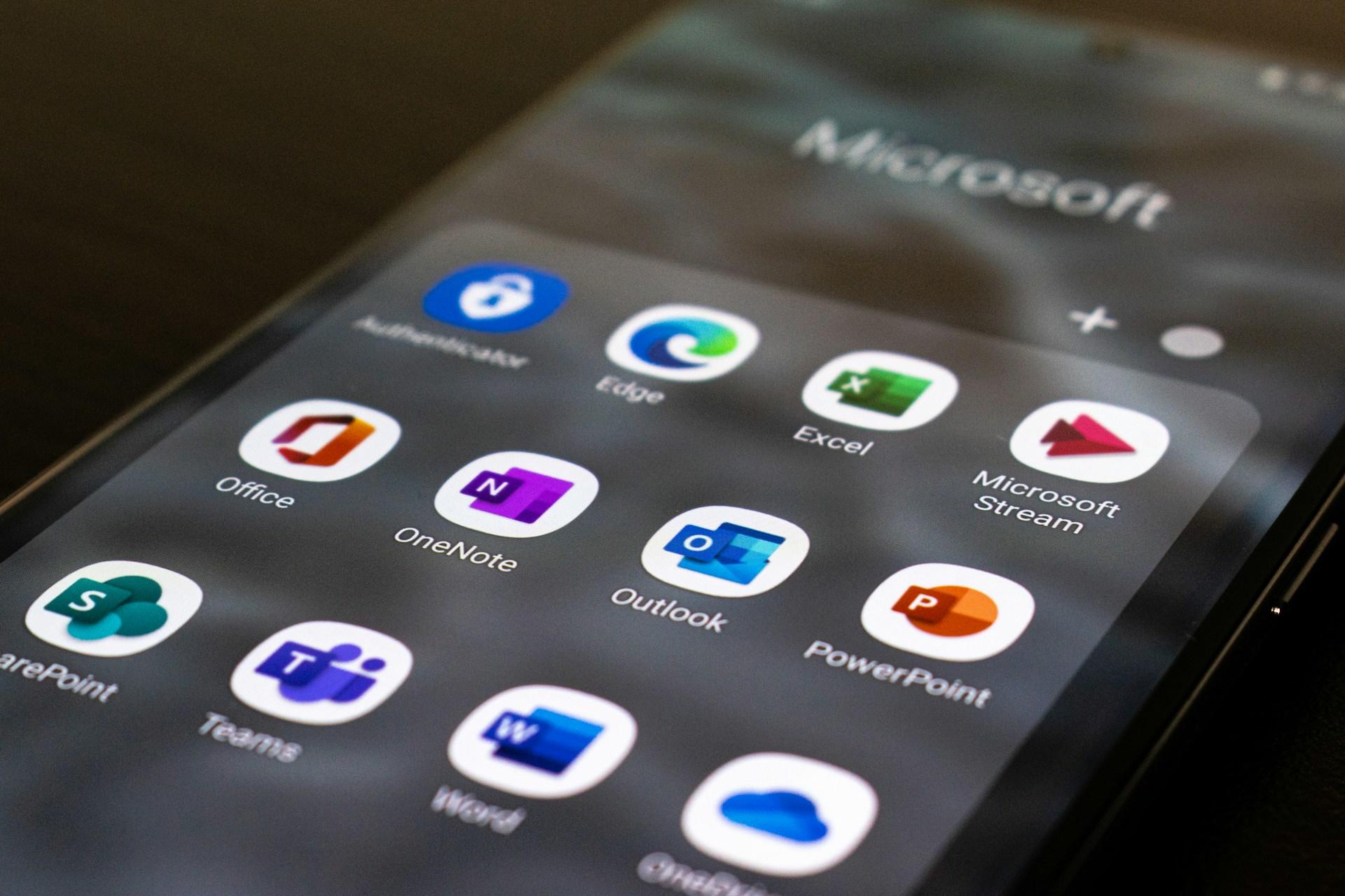
Microsoft Word is probably the oldest and most widely used word-processing package and many writers will have grown up using it. It's popular for having many useful features, integrating well with other Office programs, and being very compatible since it's the industry standard across many different industries.
More recently, Google Docs have become popular for writers who either forget to save regularly or want to collaborate with others.
Since Google Docs autosave regularly and are stored on the cloud, your writing is saved and backed up consistently, meaning that crashes won't result in you losing hours of your work.
Collaboratively, multiple users can contribute ideas through comments, edit text directly, and work on the same documents at the same time.
Whether you're writing a story, web content, or poetry, Google Docs and other tools for writers might be worth considering. Unlike the Microsoft tools, Google Docs is available for free. For tailored guidance, you might search for an english tutor near me.
Speaking of free, OpenOffice is a free and open-source equivalent to Microsoft Office and is compatible with many of the file formats used by Word and the rest of the Office suite.
Unlike Google Docs, however, OpenOffice doesn't feature collaborative tools.
LibreOffice is another open source office suite and it tends to be updated more regularly than OpenOffice. Much like OpenOffice, though, LibreOffice doesn't feature cloud-based collaborative solutions like Google Docs.
| Software | Cost (February 2024) | Pros | Cons |
|---|---|---|---|
| Microsoft Word | $159.99 | Many features Integrates with other Microsoft Office apps Compatibility Cloud storage | Expensive Resource intensive |
| Google Docs | Free | Cloud-based collaboration Free Cross-platform compatibility Autosaving and version history | Requires internet access Fewer features than certain desktop solutions |
| OpenOffice | Free | Open source Cross-platform compatibility Compatible with other word processors | Rarely updated Older interface Limited collaboration features |
| LibreOffice | Free | Open source Regularly updated Many features | Old-style interface Fewer collaboration features |
Project Management Tools for Writers
Depending on the type of content you need to write, you may need some level of project management. Even if you're working on your own, taking the time to organize your projects is one of the best tips we can offer to writers. If you're working with many others and have many tasks to do each day, week, or month, there are plenty of tools that can help you keep on top of your writing tasks.
If you're working professionally as a writer, then a lot of these tools will likely be chosen by your client, but there are also tools you can use for your work to help you get everything done each month.
Popular project management tools for writers can include Evernote, Trello, Asana, Milanote, Miro, and Ulysses. The one you use will likely be chosen for you by your client, but since many of these offer free versions or trial versions, you can always check a few out.

Master Creative Writing with a Superprof: The Ultimate Writing Resource
While we recommend these tools for writers, everybody's different so certain resources will work better than some for others. One resource we can recommend for every writer is a private writing tutor or coach, or enrolling in english classes which you can easily find on the Superprof website.
These dedicated professionals can work with you and tailor the sessions to you specifically. They can also give you far better recommendations for tools and resources because they'll know you personally and understand exactly which areas of your writing could benefit from each resource.
Search for writing or creative writing tutors and you can start browsing their profiles, seeing what they offer, and comparing their rates.
With so many offering the first session for free, you should try a few out before choosing your perfect writing tutor.
Summarize with AI:
Did you like this article? Leave a rating!

 Loading...
