
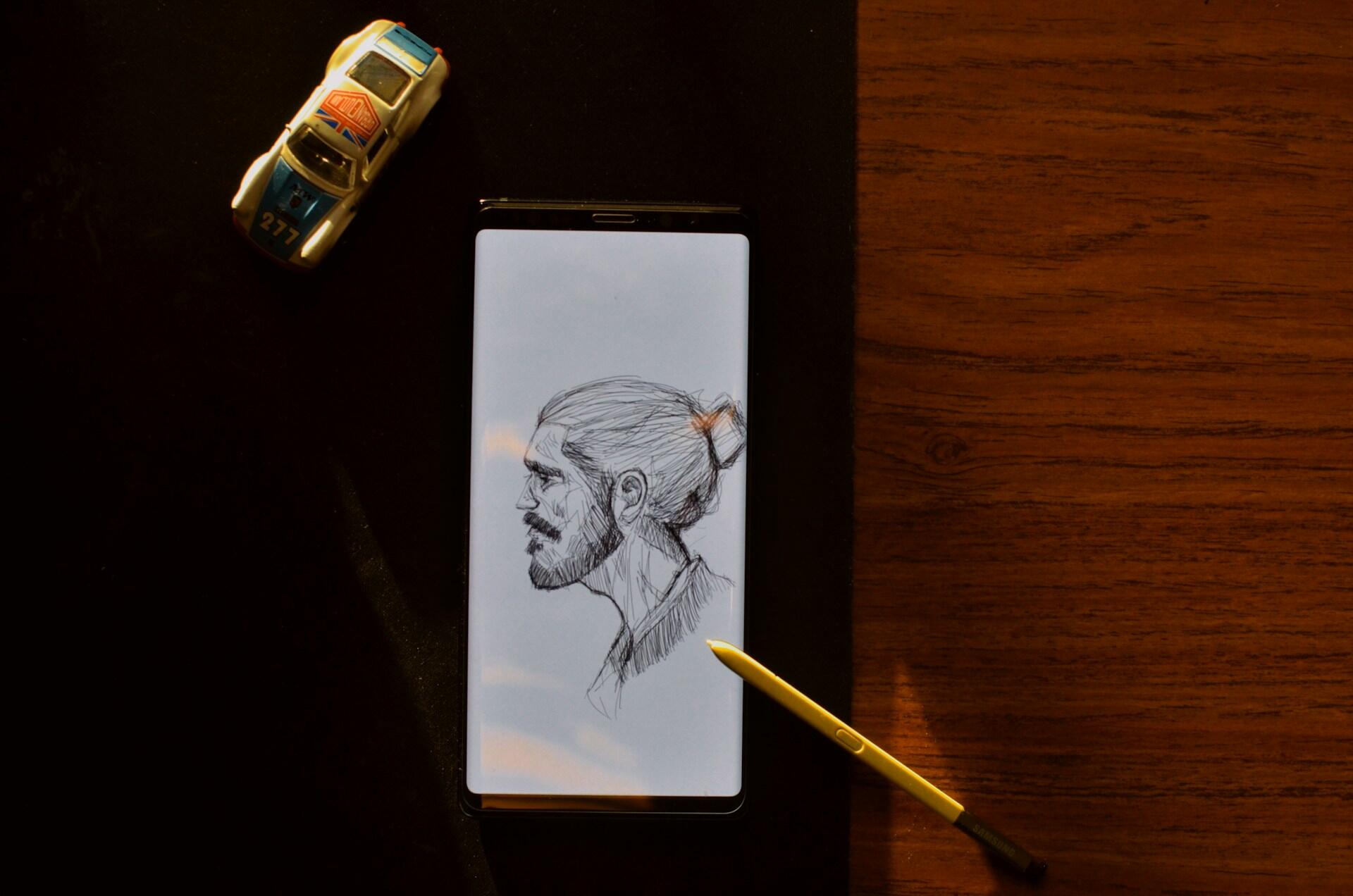

Our hobbies are what make us happy. Drawing and painting are calming activities that help us express our creativity. Making art is good for our health and happiness. For some, it's also a viable way to earn money! There are so many apps that can help you learn to draw, both digitally and with traditional media. Find out which apps can help you improve your skills as an artist.
| App/Site | Platform | Cost |
|---|---|---|
| WeDraw | Android | Free, with in-app purchase options |
| ArtLoop | iOS, Android | Free, with in-app purchase options |
| ArtWorkout | iOS, Android | Free, $4.99 per week for Pro |
| SimplyDraw | iOS, Android | 1 free drawing, then $89.99 per year |
| Learning to Draw by Walter Foster | iOS | Free, with in-app purchase options |
| Sketchbook | iOS, Android, Mac, Windows | Free for basic, $3-$25 for Pro (depends on device) |
| Adobe Fresco | iOS, iPadOS | Free |
| Procreate | iOS, iPadOS | $6.99 (iPhone), $12.99 (iPad) |


Learning to Draw with Apps
Some aspiring artists are skeptical of the idea that they can learn to draw by teaching themselves on an app. They worry about the lack of support from an actual teacher or that the app won’t be good enough.
However, apps can be used as effective tools to learn drawing and painting techniques. Apps can help you develop the skills needed for drawing with pencils, charcoal, and paper. They can also instruct you on using digital drawing tools to make amazing pictures.
Everything you can imagine is real.
Pablo Picasso
Plus, drawing apps can be used on phones for convenient access, or you can install them on your tablet or computer for more control on a bigger screen.
There are mainly two types of apps for learning to draw: tutorial apps and drawing programs. Tutorial apps give you lessons and tips on artistic techniques, either for physical or digital mediums. Drawing programs are the actual digital canvases where you can practice.
It's recommended that you begin your drawing practice with a pencil and paper first. Traditional drawing skills are highly useful and transferable to other mediums. Then, you can start learning how to draw with digital tools.
Once you’ve mastered the fundamentals of painting and drawing, you can start having fun with the other media. To learn how to draw, you need to be disciplined. You can’t just open the app once a month. To see some progression, it’s recommended that you use these apps at least once a week and practice as much as possible in between sessions.
Find out how to learn to draw for free.
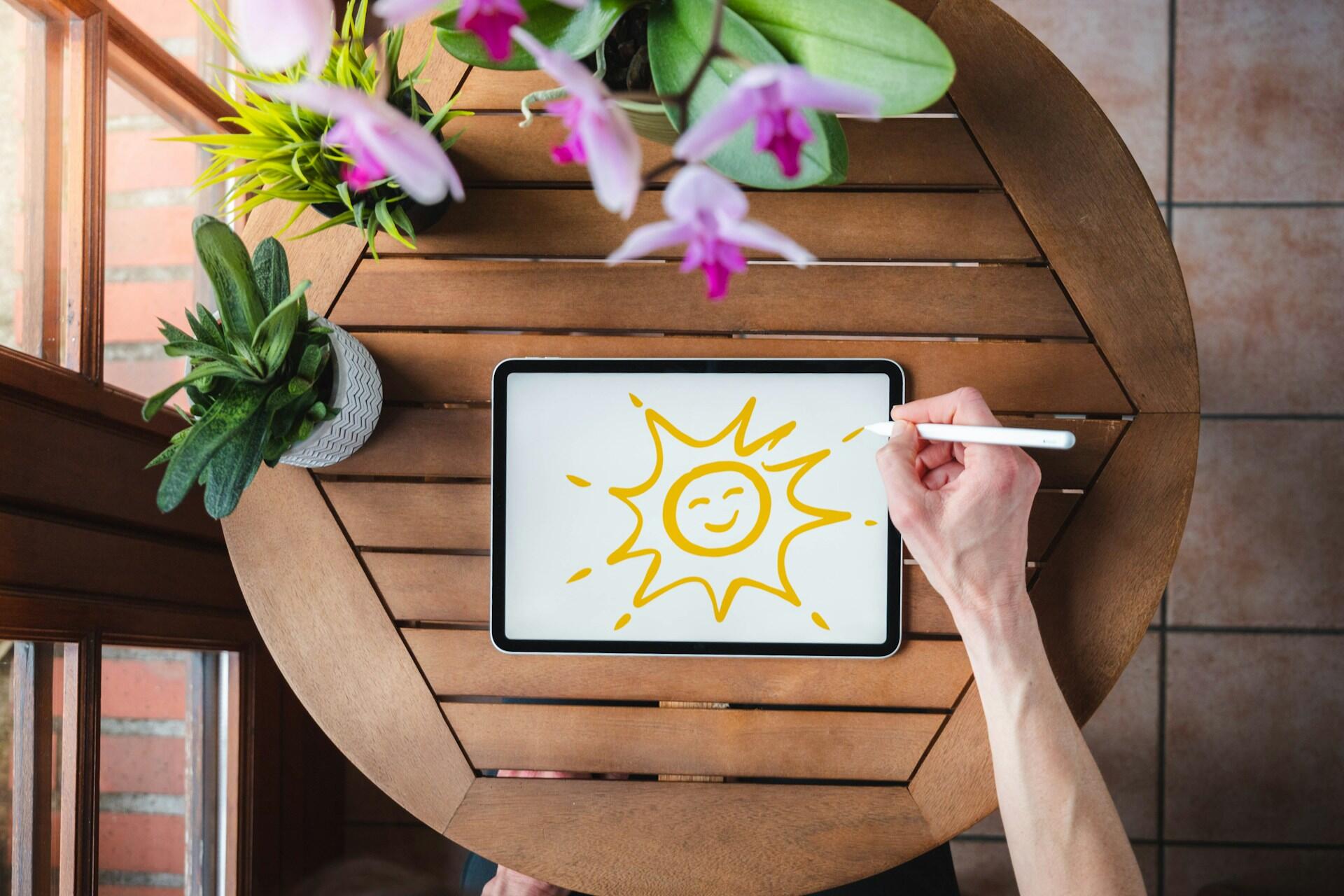
WeDraw - How to Draw Anime App
How do you draw a person? How do you draw a face?
The WeDraw app can help you draw famous characters from manga and computer games. A great app for geeks!
Whether it’s Mario, Naruto, Sonic, etc., you’ll find all your favorite characters. The best thing about this app is how it breaks down the steps to help you better understand how to draw. For each drawing, there are around twenty steps to follow.
This app doesn’t just offer the basics; you can also learn to draw more complex things. This is great for training your eye to recognize proportions, choose colors, and how to draw better. Similarly, it also allows you to enjoy your drawing.
ArtLoop App
ArtLoop shows aspiring artists how to draw certain things, like animals and nature, and provides steps to follow. Designed with beginners in mind, it can be useful for practicing.
One of the plus points is just how many drawings there are for you to do. Unlike the aforementioned app, you can draw things from the real world and not just fictional characters. Like with a drawing tutor, the app will show the steps to follow to get to the final product.
Whether you’re drawing animals, cars, planes, or even flowers, this app will allow you to learn the fundamentals of drawing everyday things.
There are also different styles available for different tastes.
The drawings are quite simple to copy and allow you to learn quickly.
However, for better artists, you’ll quickly find the app’s limits.
It’s mainly a tool for beginners.
Consider enrolling in drawing classes online to enhance your artistic skills and explore your creativity!
ArtWorkout App
Practice digital drawing with daily free mini-lessons: your art workout! Every day, you can complete one exercise for free. If you want to do more than one activity per day, you can upgrade to the Pro Version.
The founders of ArtWorkout mention the benefits of using their app as a type of therapy, as well as a learning tool. It teaches basic drawing techniques in a relaxed, fun setting. There is even a multiplayer mode where you can draw with friends or other users in an open-canvas environment.
Simply Draw
Simply Draw uses interactive lessons to teach you how to draw animals and nature-themed sketches. The lessons teach skills like perspective, proportions, and shading, with users reporting satisfying results.
The biggest drawback of the app seems to be the price, which is quite steep for a drawing app for beginners.
Discover the best drawing websites.
Digital art programs allow artists to use digital brushes and other tools (like layers, erasers, line tools, curve tools, smoothing tools, etc.) to create art in ways that can't be done with traditional media. They allow the user to make drastic changes in their work at any stage with ease. Many programs also include a motion or animation element as well!
Learning to Draw by Walter Foster
From the well-known children's artbook publishing company comes an app with interactive lessons for children or anyone who wants to learn art. The app brings book lessons to life with interactive instruction. Using the digital canvas, you can practice skills like outlining and shading. Free users have access to a handful of core lessons, but additional lessons need to be purchased.
The app boasts a variety of drawing tools that have been made to behave like the real deal, as well as a freehand sketchbook where you can sketch to your heart's desire. Users praise it as one of the best apps for learning to draw.

Drawing Software
Some artists prefer to draw digitally on their screens. You can download and install programs that you can use to create images with a stylus on your smartphone or tablet. For computers, the software generally works with trackpads, the computer mouse, and drawing devices (like Wacom tablets).
These painting and drawing tools, which are used to create digital paintings, are becoming increasingly common. Many heavier programs are for computer use, but these days, more and more are being designed with tablet and phone use at the forefront.
Find interesting figure drawing classes near me here on Superprof.
Sketchbook
Previously part of the Autodesk suite, Sketchbook is now an independent entity. The free version is designed for mobile devices, and the Pro version is designed for desktop computers and tablets, but can be used on a phone as well.
It's an affordable program with tons of options for drawing: Spray paint, acrylic, gouache, charcoal, pastels, and pens and pencils. Even the free version gives users most of the available tools! It's quickly becoming one of the staple drawing programs for digital artists because of its variety of tools and real capabilities for art.
One of the best parts? It's available on Android and Windows, so you can learn to draw on Samsung tablet and aren't restricted to an Apple product.
Adobe Fresco
Adobe is one of the most famous companies in the world. With Illustrator, Photoshop, Premiere Pro, etc., you’ve probably heard of something they’ve made. Fresco is completely free; however, you need an Adobe Creative Cloud subscription to use it.
It provides professional-level tools for drawing digitally, including various brushes. Its digital tools include line-smoothing and symmetrical drawing. You can even create animations!
Find out how else you can become better at drawing.
Procreate
The Procreate app was designed with the iPad in mind. Like the other programs we mentioned, it has plenty of brushes and pencils so that you can create art in several styles. It's one of the most famous digital art apps in recent years for a reason! The powerful tools allow users to create incredibly complex and detailed art.
It’s available on iOS, with the iPad version costing more than the iPhone version. Some iPads come with Procreate pre-installed.
people have used their product
Choosing the Right App for Your Needs
How can you decide which to use among the apps that teach you how to draw? Each app contains different features and interfaces that appeal to different users.
There are a few steps to determine the app that's right for you:
- Use each free app that seems good at least a handful of times. Notice what features you like and dislike.
- Pay attention to which styles of lessons work the best for you.
- Compare free apps and decide which one you like the best overall.
- You can even use more than one app for different purposes if you find one is good at one thing, but another app is better for a different thing.
- If none of the free apps satisfy you, determine how much you are willing to spend and explore paid apps within your budget.
- Watch review videos of the paid apps so you can get a better idea before you buy.
- See if you can use free trials (remember to cancel before the trial ends!) so you can compare apps yourself.
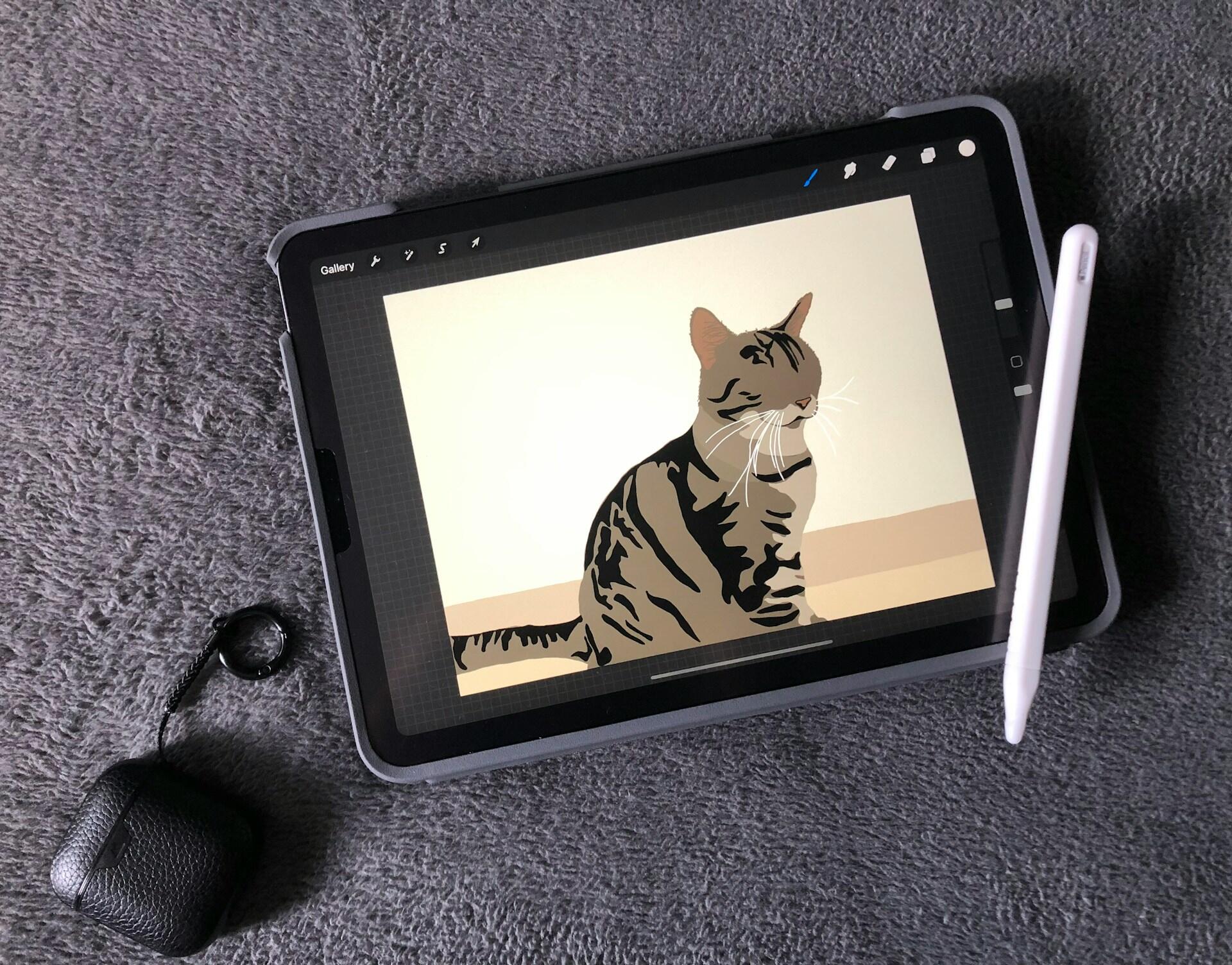
Once you find an app you like, be sure to use it as often as you can (preferably every day) so you can truly work on improving your drawing skills. Practice with free drawing resources to hone your skills outside of the lessons in the app. If you hit a plateau, it’s time to explore more advanced lessons with a drawing teacher.
Many of the tutors on Superprof will offer free tutoring for the first lesson, so you can discuss what you're after and see if they're right for you. Try speaking to a few tutors before you make a decision to ensure their teaching style matches what you want to learn.
Whether you use digital painting tools, art apps, or canvas and brush, the most important thing is that you enjoy making art and practice regularly!
Summarize with AI:
Did you like this article? Leave a rating!

 Loading...
