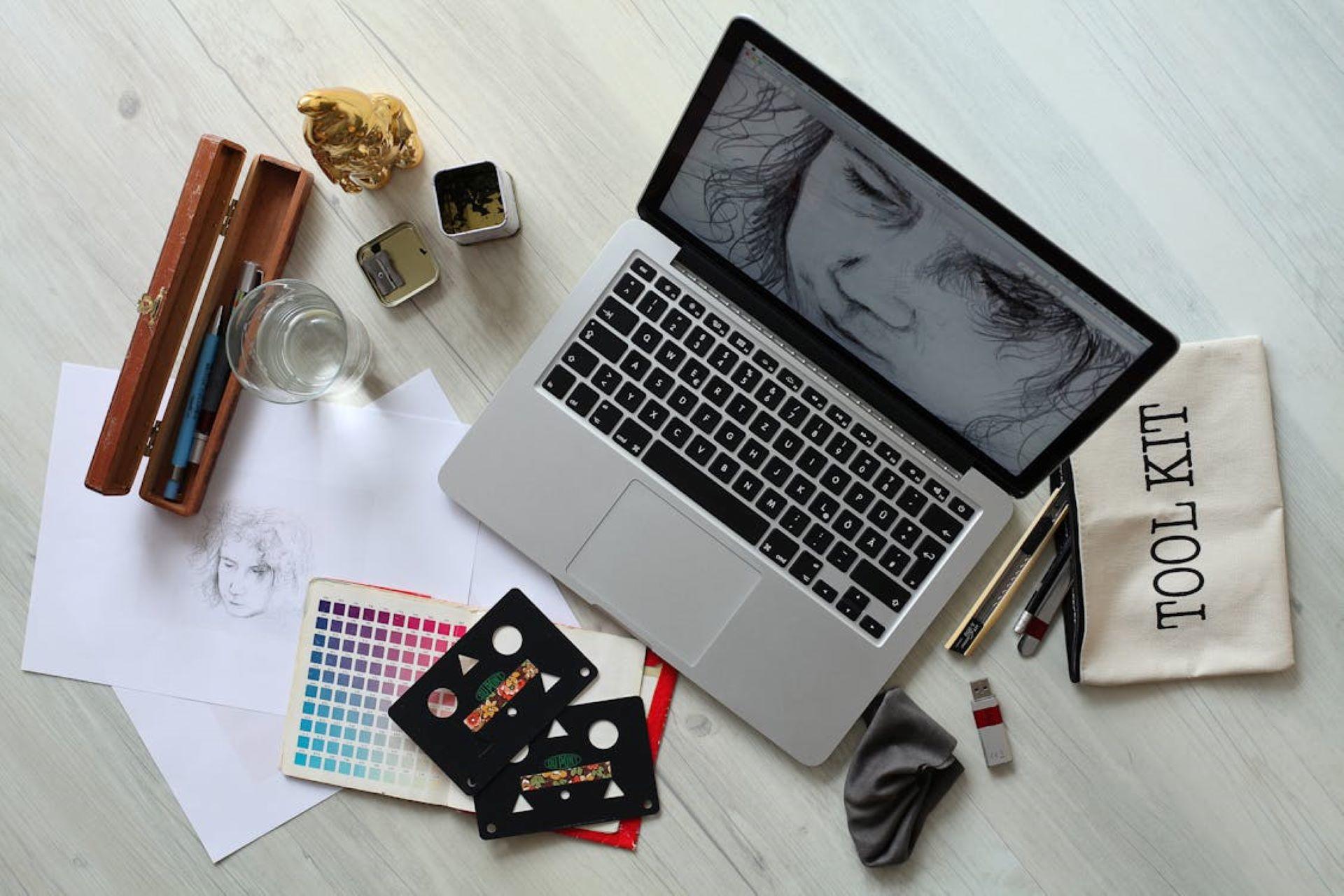

One of the most significant decisions you will face when you start as a graphic designer is what software you will use. The platform that you choose ultimately helps you to realize your vision, so you must select one that suits your style and needs.
Whether you are a designer with a few years of experience who is looking for more features to enhance your work or a complete newcomer looking to plunge into the world of digital art, picking the right software is vital!
There are also many great resources available to learn graphic design as a beginner, so you can be sure to find the perfect fit for your skill level and goals.
This article aims to streamline your search process by introducing you to the top choices for the various specialties within graphic design. By the end of this article, you will be informed about what each software provides and have an idea of which option best suits your design needs.


The Top 5 Graphic Design Softwares
To save you hours of needless trial and error, trying every platform out there until you find one that fits, we will look at the top software used by graphic designers from a range of specializations.
The size of the community that uses a particular platform is a strong indicator of the effectiveness of its tools. It will also determine the rate at which it is updated with new features.
It also makes it considerably easier to learn since you can be sure that solutions and tutorials are readily available across YouTube and graphic design forums.
| Feature | Adobe Illustrator | Canva | Procreate | Corel PaintShop Pro | Adobe Fresco |
|---|---|---|---|---|---|
| Pricing | Subscription ($22.99 Per Month at Adobe) | Free, with yearly subscription options ($110 for Canva Pro at Canva) | One-Time Purchase ($12.99 at Apple App Store) | One-Time Purchase ($99.99 at Amazon) | Free, with subscription starting at $9.99 per year |
| Best For | Professional vector design and illustration | Easy-to-use graphic design templates and elements | Digital painting and drawing on iPad | Photo editing and digital design | Sketching, drawing, and painting across devices |
| Device Compatibility | Desktop (Mac and Windows) | Web-based, mobile app available | iPad | Desktop (Windows) | iPad, iPhone, Windows tablets |
| Adobe Integration | Full integration with Adobe Creative Cloud | Limited | No direct integration | No direct integration | Full integration with Adobe Creative Cloud |
While investing in yourself is very seldom an expense that you will come to regret, particularly when it comes to the tools that you will implement in your career, when there are so many tools out there, the price can be a deciding factor.
The above table breaks down the price, use case, and compatibility of the top software on the market so that you can spend your time learning and progressing in your new career path!
Adobe Illustrator
If you ask any seasoned graphic designer for their software recommendations, nine times out of ten, they will mention Adobe Illustrator.

Let's kick off this article by peeling back a layer and understanding why the software has garnered so much respect in the industry.
It's the best option for creating vector graphics since it offers numerous features for various creative projects.
In the interest of providing an accessible analysis for graphic designers of all levels, we'll provide descriptions for any design-oriented terminology that are mentioned.
Adobe Illustrator is great for both creating vector graphics and creating visuals directly from geometric shapes.
Adobe Illustrator is the closest thing to a 'one size fits all' software when it comes to graphic design. It is widely used in logo design, typography, infographics, and more!
Adobe Illustrator is thankfully compatible across all platforms, allowing you to work on your designs effortlessly on a desktop computer, iPad, or via the web version.
You can also be assured that the software always improves through constant updates that make your creative workflow smoother.
Adobe Illustrator is definitely one of the more advanced software that you can use as a graphic designer, but it also provides enhanced capacity for customization as a result of this.
If you find yourself lost navigating the platform, try consulting the above video to help guide you through the various features.
If you feel this may be your option, you must consider some of the software's limitations. You may need to ensure that your devices are up to scratch, as some older computers can be demanding to run.
Suppose you are starting out on your path to becoming a graphic designer. In that case, these enhanced customization options have a learning curve that could take a while to understand.
Working with a private graphic design tutor is one way to familiarize yourself with the software and put your mind at ease as an experienced professional guides you through the design process.
Canva
You don't need to have worked in an oriented career to have heard of this gem. Businesses across countless industries implement this design software when looking to craft visually appealing content.
Suppose you consider yourself in the early stages of your design career. In that case, you will likely be drawn to the platform's decorative drag-and-drop interface.
Canva also makes the inexperienced seem like graphic design experts with various templates, graphics, and key design elements, providing a great starting point for editing your designs or drawing inspiration.
Across 190 countries
In 2023, users generated 6 billion new designs, contributing to over 20 billion designs crafted on the platform.
One of Canvas's strengths is its accessibility and cost-effectiveness. The platform offers a free version with a limited range of templates and images, making it ideal for beginners or individuals working on personal projects.
It also offers advanced features to facilitate the design process through Canva Pro, a subscription-based plan with added perks.
If you are in any way unsure about what version of the software is most suitable for your design needs, the above podcast introduces the different features included in each.
Regardless of your expertise as a graphic designer, adding Canva to your arsenal is a decision you will certainly not regret!
Procreate
If you are more into drawing and illustration, paying the initial Proreate fee is likely your best option.
The tool is tailored specifically for the iPad, so you can rest assured that you will have an intuitive drawing experience on the fly.
That intrinsic vision of working from a cafe with only your tablet may be closer than you thought. You'll need to practice your procreate skills until you can execute illustrations that fulfill your client's brief.
One thing to keep in mind when navigating design software is its compatibility. Creating a design on your iPad might sound appealing, but the files you export and projects that you import for editing must be hassle-free.
Thankfully, Procreate supports an array of file formats, such as PSD, TIFF, PNG, PDF, GIF, and JPEG, ensuring that you are free from any unnecessary headaches in the design process.
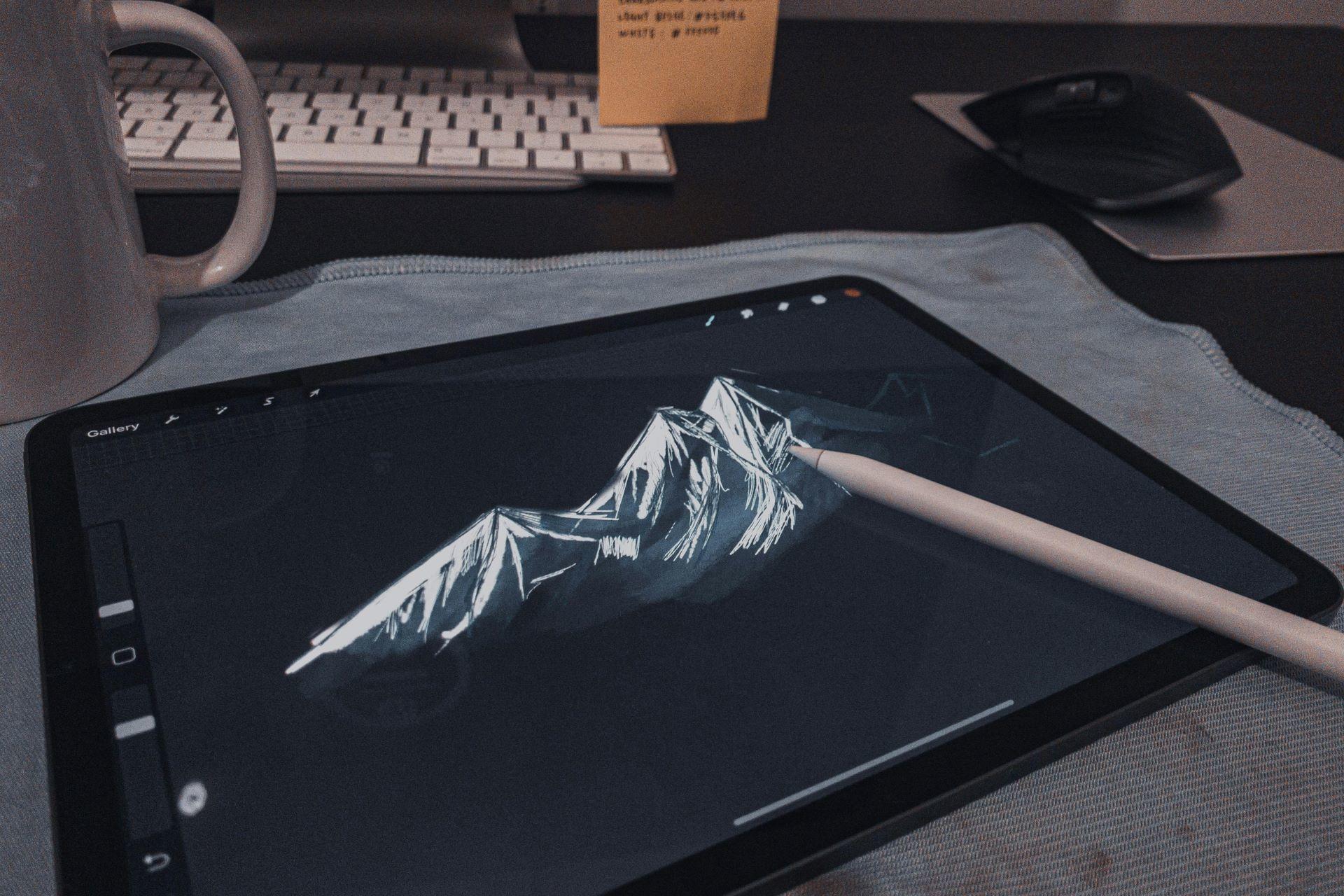
Suppose you are considering offering your services as a freelancer. In that case, you will also be impressed by the time-lapse recording feature that captures the drawing process from inception to completion.
This is a great way to showcase your work in a portfolio or on a professional social media account, and it might even help you catch the eye of potential clients.
While Procreate excels in many aspects, its limitations must also be noted. Suppose you have used other software in the past. In that case, its layer masking capabilities could be more basic, limiting its suitability for image editing tasks.
If you are interested in illustration in particular, this is definitely a strong candidate for adding to your list of subscriptions. You will certainly get some real value from it.
Corel PaintShop Pro
Next, we will look at a great image editing program suitable for amateur-level graphic designers.
PaintShop Pro comes in two versions: PaintShop Pro 2023 and PaintShop Pro Ultimate.
The design industry is constantly evolving, and the community is always looking to adopt the most dominant tools to facilitate a seamless design process.
One thing about Corel PaintShop Pro is that each update brings new features to cater to the industry's changing needs.
If you find yourself struggling to get a handle on all the bells and whistles offered on the platform, the above video goes through all of the recent tools that are available on the newest version of the software.
One tool that you will likely be captured by this software is AfterShot Lab. This tool is for RAW editing and helps you get perfect results from the edited images.
If you are still at the information stage of the software purchasing journey, the Enhanced Frame Tool is another option you might want to consider. It simplifies creating frames and borders with enhanced flexibility and customization options.
The software is a great, cost-effective alternative to Photoshop for Windows users. Before deciding, look at the tools provided or watch tutorials on the various features.
Adobe Fresco
If you have spent any time looking for a graphic design tutor to guide you on your journey, you will likely have noticed the software they specialize in and the services they provide.
Adobe Fresco is a name that is featured repeatedly. It is an art and design tool tailored for artists and designers.
This software provides a range of features, such as painting and drawing tools, and it also has seamless integration with Adobe Creative Cloud applications, catering to the needs of creative professionals.
The first thing that will strike you when using it for the very first time is its user-friendly interface, which feels intuitive and familiar to those already using Adobe Creative Cloud.
While the two-finger double tap for undoing actions won't translate, the good news is that learning graphic design as a beginner in most software won't require memorizing tons of shortcuts. You'll be introduced to the basics in a user-friendly way, ensuring a smooth transition.
In contrast to some art apps that restrict the number of layers you can use, Adobe Fresco offers a canvas where creativity knows no bounds. This unlimited freedom is particularly advantageous for illustrations or projects that demand layers.
While some of the software introduced in this article offers a specialized use case for specific areas of graphic design, Adobe Fresco provides a full-featured digital painting platform for artists and designers!

Find the Right Software for You with Superprof.
Given the rapid pace of the ever-evolving graphic design space, selecting software that will be used well into the future is essential.
To ensure this, you should consider factors like the size of the software's user base and the frequency of its updates when making your decision!
This isn't a decision you must make alone, particularly if you feel you need to know precisely what you should be looking for.
A graphic design tutor from Supeprof can assess your abilities and goals as a designer and recommend the most suitable platform for your needs, helping you navigate the exciting world of graphic design career paths.
Suppose you are worried about the learning curve of many platforms mentioned above. In that case, you can also use your private tutoring lessons to cover the various features that your chosen software provides.
Working with a private tutor from Superprof can help you become a graphic designer sooner than you might have imagined.
Whether you are a professional or a newcomer exploring the realm of digital artistry, the software options discussed in this guide serve as a starting point for expressing your creativity and bringing your ideas to fruition. Get started with an experienced graphic design tutor for graphic design lessons as soon as today with Superprof.
Summarize with AI:
Did you like this article? Leave a rating!


 Loading...