

Also known as cyber safety, internet safety is all about - yep, you guessed it - staying safe online. In this increasingly technologically reliant society we live in, it’s pretty much a given that most people will spend some time on the internet on a regular basis. As a result, it’s worth stopping to think about the steps you could take to ensure you aren’t at risk of internet scams, hacking, or on the receiving end of some other nasty digital wrongdoing. So you might be asking yourself, what are the steps I can take right now to protect my personal data and privacy? Luckily for you, we’ve compiled this list of actionable steps which will help you go from an internet safety novice, to a digital wizard.


Less is More

A valuable mantra for internet safety.
Protect Yourself from Malware
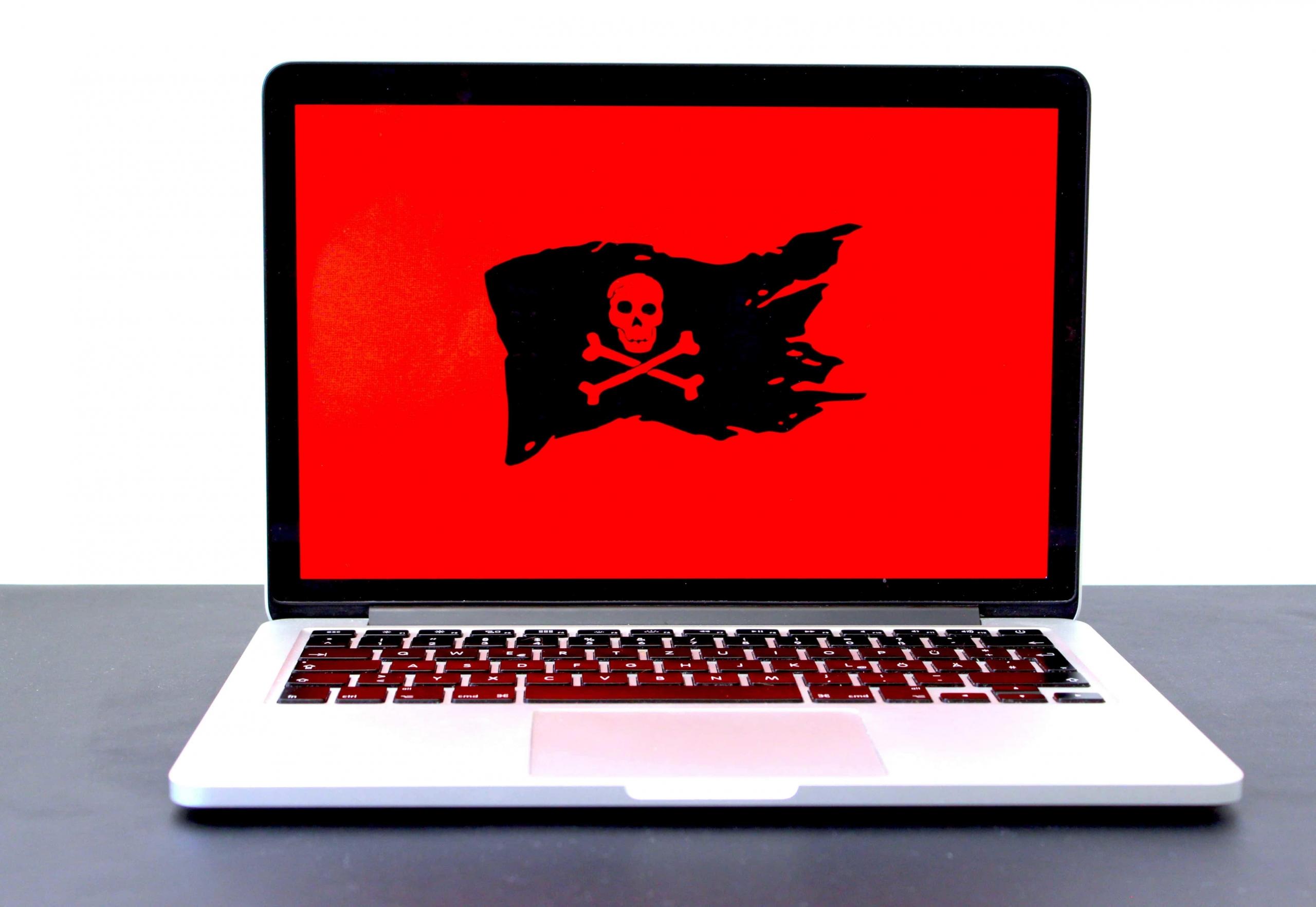
Malware can seriously harm your computer.
Avoid Dodgy Downloads
Steer clear of websites which aren’t secure, and certainly don’t try to download from websites which your computer or device has warned you about. It’s best to err on the side of caution, as once you get malware, it can be hard to shake. There’s no need to refrain completely from downloading through the internet, since 99% of the time it will be completely fine, but for that off chance that something isn’t right, it’s worth making sure you are downloading from a legitimate source.
Gone Phishing
As innocent as it may sound, phishing refers to the cybercrime of attempting to get you to click on strange links through e-mail. Always ensure you read through the text of the e-mail, check that who it’s coming from is a legit source, and if it’s a big company, check to see their e-mail address online to see if it matches up. If you have doubts, you should try to contact the organisation who allegedly sent the e-mail, to verify that it was actually them, and not someone phishing for your personal information or bank details.
Buy from Secure Websites
An easy way to ensure that the website you are about to purchase something from is legitimate, is to check the URL. If the website has ‘https:’ at the beginning of the URL, then you know it’s secure. Why? Because the added ‘s’ stands for secure. Another way to know if the website is secure is to check for the padlock icon around the address bar. If you are going to purchase something from a website without these signs, then make sure you do a bit of research around the company, and find out if people have bought things through them before successfully.
Install Anti-virus Software
The best way you can protect yourself from malware right now though, is by installing some good anti-virus software on your device. Anti-virus, or anti-malware software works to identify and block out malware where possible, and at the very least, helps put your mind at ease. If you don’t currently have anti-virus software on your computer or laptop that you actively use, you are at a higher risk of catching malware, which I’m sure you don’t want. A nice way to think of the software is as a personal bodyguard, who is there to protect your device and your data from intruders.
How to Maintain Online Privacy
Keep on top of your device’s privacy settings.
Privacy Settings
First things first, next time you load up your browser (or once you’re done reading this article), take a look at the privacy settings. Find the settings tab for your browser, and you will be able to enable certain measures which will restrict what information marketers can find out about you from your browsing habits. We’ve all had that strange experience of loading up Facebook only to see an ad for those shoes we were just looking at.
Consider Using a VPN
A VPN (Virtual Private Network) can be a very valuable tool for those moments where you’re away from your home wifi connection, still want to access the internet while out and about. While you might not realise it, using the wi-fi in public places can be a recipe for disaster. Due to the insecure nature of some wifi connections, your data could be at risk, especially if you carry out transactions through it. Even if you don’t use these wifi networks for business, simply entering a login password can be risky. What’s more, and something that is easy to overlook, is the fact that you don’t necessarily know that the wifi you are connecting to belongs to the coffee shop you’re in for example. Of course the bigger companies take measures to have secure wifi, but what about smaller independent coffee shops? People can be so devious as to set up wifi under the name of the business in order to gain access to the data of any poor soul who connects to it. This is where the VPN comes in. What the VPN does is create an encrypted route between your device and the wifi router. This will protect your data by masking your IP address, and keep you anonymous. A simple way to think about is to imagine you have your own personal connection to the public wi-fi which is inaccessible to anyone else. Whereas without one, you are risking your data flying around with everyone else’s, which can be targeted by hackers.
Get Creative with Passwords
One of the most fundamental elements of staying safe online, the importance of having strong and varied passwords cannot be stressed enough. Hackers love the opportunity to guess a password, so don’t give them an easy target. The stronger your password, or the more letters, numbers, and symbols it contains, the less likely it is that someone will be able to gain access to your account. It’s also important to vary your passwords from account to account too. While having a strong password should make it a lot harder for anyone to access your personal information, if they do manage to break through, you don’t want them then having access to all of your accounts. That is to say, it’s good to have a strong password, but it’s better to have a variety of different strong passwords. That way, a hacker gaining access to your e-mail account doesn’t also mean they have access to your bank account too. A few tips on creating a strong password:
- Make it long.
The longer your password, the better, and the less chance a hacker has of getting into your account.
- Add numbers and symbols.
Likewise, the more numbers and symbols, the better.
- Don’t write it down
While it might be tempting to write it down, you shouldn’t write your password down for the same reason you shouldn’t write your PIN number down. Find out more about phone safety.
Summarize with AI:
Did you like this article? Leave a rating!


 Loading...
