

AutoCAD and Revit are powerful design software with equal functionality. They are easy to use and come with a range of tools for designing, drawing, and drafting building models. However, many significant differences can impact your work. AutoCAD is more focused on individual design elements, while Revit is designed to help you see the relationships between different parts of a project. In this article, we will take a closer look at the major differences between AutoCAD and Revit so that you can make the best decision for your needs.
| Revit | AutoCAD |
|---|---|
| Building Information Modeling (BIM) | Computer-Aided Design (CAD) |
| Focuses on intelligent 3D models (incl. design & construction info) | Focuses on detailed 2D and 3D drawings |
| Primarily used for mechanical, electrical, plumbing, engineering, construction, architecture | Primarily used for architecture, engineering, construction |
| Better for bigger projects, especially with multiple collaborating teams | Better for smaller, detail-oriented projects |


What Is Revit?
Revit is a Building Information Modeling (BIM) software used by architects, engineers, and construction professionals to create intelligent 3D models.
Unlike AutoCAD, Revit is a 3D program that allows you to create models that are not only accurate but also realistic.
Revit is an excellent choice if you are working on a complex project that requires detailed 3D models. Additionally, users can use it to collaborate with other team members working on a project.
Superprof can help you learn the fundamentals of Revit and AutoCAD with personalized online courses from CAD experts at affordable prices.
So every element that you create new [in Revit], you do the calculation, and then it's part of this library. And it's available for everyone else.
Aida Marrujo, Building Analytics at Herzog & de Meuron
What Is AutoCAD?
AutoCAD is a computer-aided design (CAD) software that architects, engineers, and construction specialists rely on to create precise 2D and 3D drawings.
AutoCAD is a versatile tool that can be used for everything from simple designs to complex engineering drawings. However, AutoCAD is a 2D program, which means that while you can create 3D models in AutoCAD, the program is not designed specifically for 3D modeling.
If you are looking for software that can help you create detailed 2D drawings, AutoCAD is a great option. Besides, AutoCAD is ideal if you need to create drawings that can be easily edited and shared. The software includes various tools that make it easy to make changes to your pictures without compromising the quality of your work.
Key Differences Between AutoCAD and Revit
AutoCAD and Revit are two popular software programs used by architects, engineers, and construction professionals. Both programs offer a variety of features and tools for helping users create detailed drawings and models.
According to Autodesk, the primary difference between AutoCAD and Revit is that "AutoCAD is a general purpose design and drafting application used primarily to create 2D drawings, while Revit is a Building Information Modeling (BIM) application used for creating intelligent 3D models."
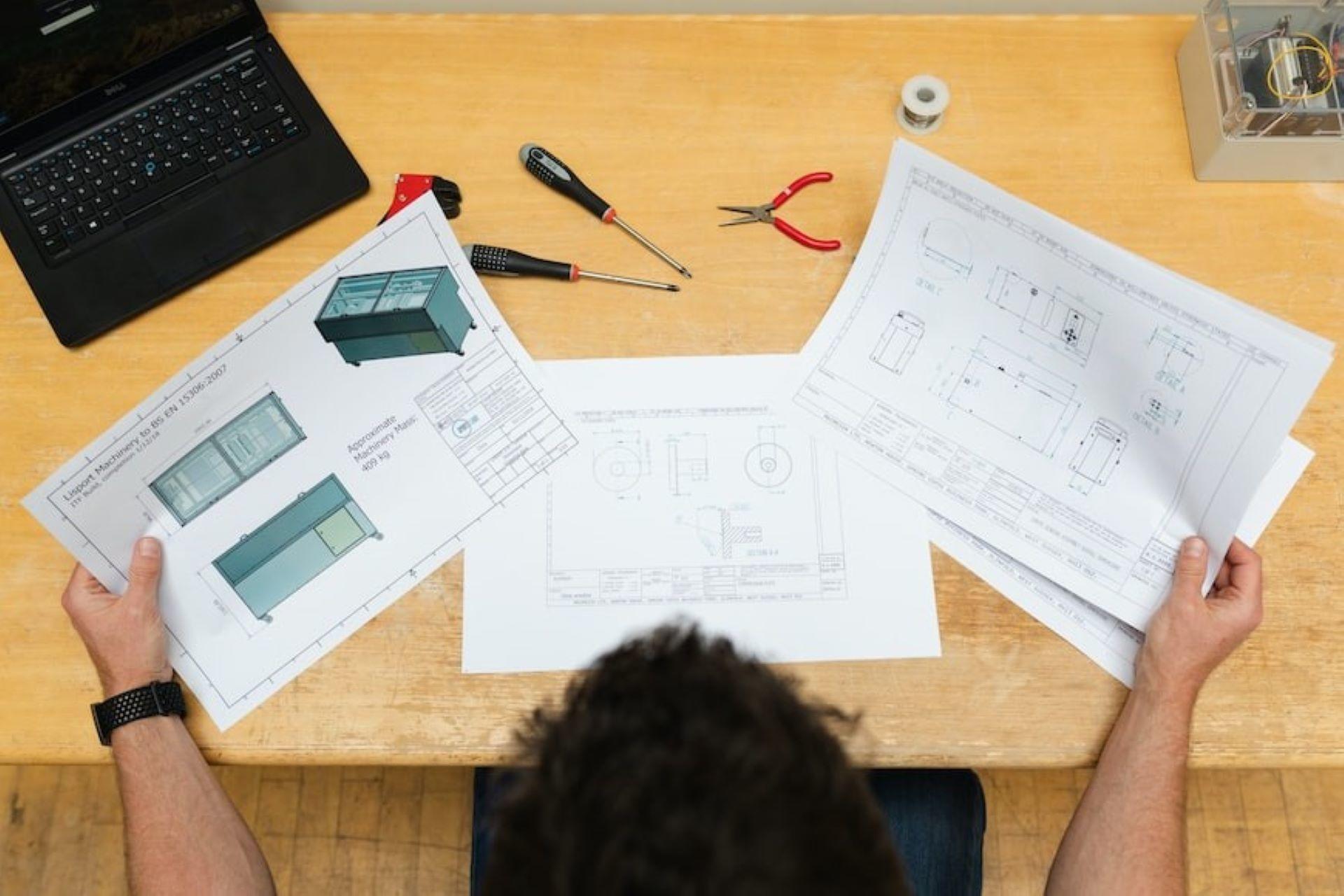
Architects, engineers, and design professionals (like interior designers) primarily use tools like Revit and AutoCAD. These tools help draft blueprints, create 2D drawings and schematics, and render 3D models of buildings and landscapes. They can include information about construction specifics, including materials to be used and measurements. They help ensure the different systems in a construction (like plumbing, electric, HVAC, etc) can be incorporated properly.
AutoCAD is a 2D drawing program often used to create plans and elevations. In contrast, Revit is a 3D modeling program that can be used for creating both 2D and 3D drawings.
In addition, learning Revit offers a wide range of options to manage construction projects, making it a popular choice for professionals in the construction industry.
While both programs have their strengths and weaknesses, they are essential tools for anyone working in architecture, engineering, or construction.
Here are the key differences between Revit and AutoCAD:
| Revit | AutoCAD |
|---|---|
| Revit is a Building Information Modeling (BIM) application used for creating intelligent 3D models. | AutoCAD is a general-purpose design and drafting application used primarily to create 2D drawings. |
| Revit is designed to help you see the relationships between different parts of a project, which makes it a better choice for more complex tasks. | AutoCAD is more focused on individual design elements. |
| Revit is only available with a subscription-based licensing option. | AutoCAD is available in both subscription-based and perpetual licensing options. |
| Revit provides various features for managing construction projects. | AutoCAD offers various features to create 2D drawings. |
| Revit is only compatible with Windows. | AutoCAD is compatible with Windows and Mac operating systems. |
| Revit is used for 3D models and other complex designs. | AutoCAD is essentially used for 2D models, from simple designs to complex engineering drawings. |
| Revit is a better choice for more complex projects because it is designed to help people see the relationships between different parts of a project. | The workflow in AutoCAD is typically focused on individual design elements, making it ideal for simple projects. |
| Revit needs people to export their pictures to another file format. | AutoCAD uses the DWG file format, a proprietary format only compatible with AutoCAD. |
| The minimum system requirements for Revit are a 3 GHz processor, 16 GB of RAM, and 6 GB of free hard disk space. | The minimum system requirements for AutoCAD are a 3 GHz processor, 8 GB of RAM, and 4 GB of free hard disk space. |
Which Program Is Better For Your Project?
AutoCAD and Revit are the most popular software programs used in the architectural and engineering field. Both AutoCAD and Revit offer unique features and benefits, but which is better for you?
AutoCAD is a 2D drafting program widely used to create precise drawings and plans. It has a range of features and tools that make it easy to create detailed drawings.
On the contrary, Revit is a 3D modeling program used to create realistic models of buildings. It offers a wide range of tools for creating objects and materials and can be used to develop detailed plans and drawings.
So, which software is actually better? Well, AutoCAD is ideal for creating precise 2D drawings and plans. However, if you need to create realistic 3D models, Revit is the better choice.
When Should You Use AutoCAD And Revit?
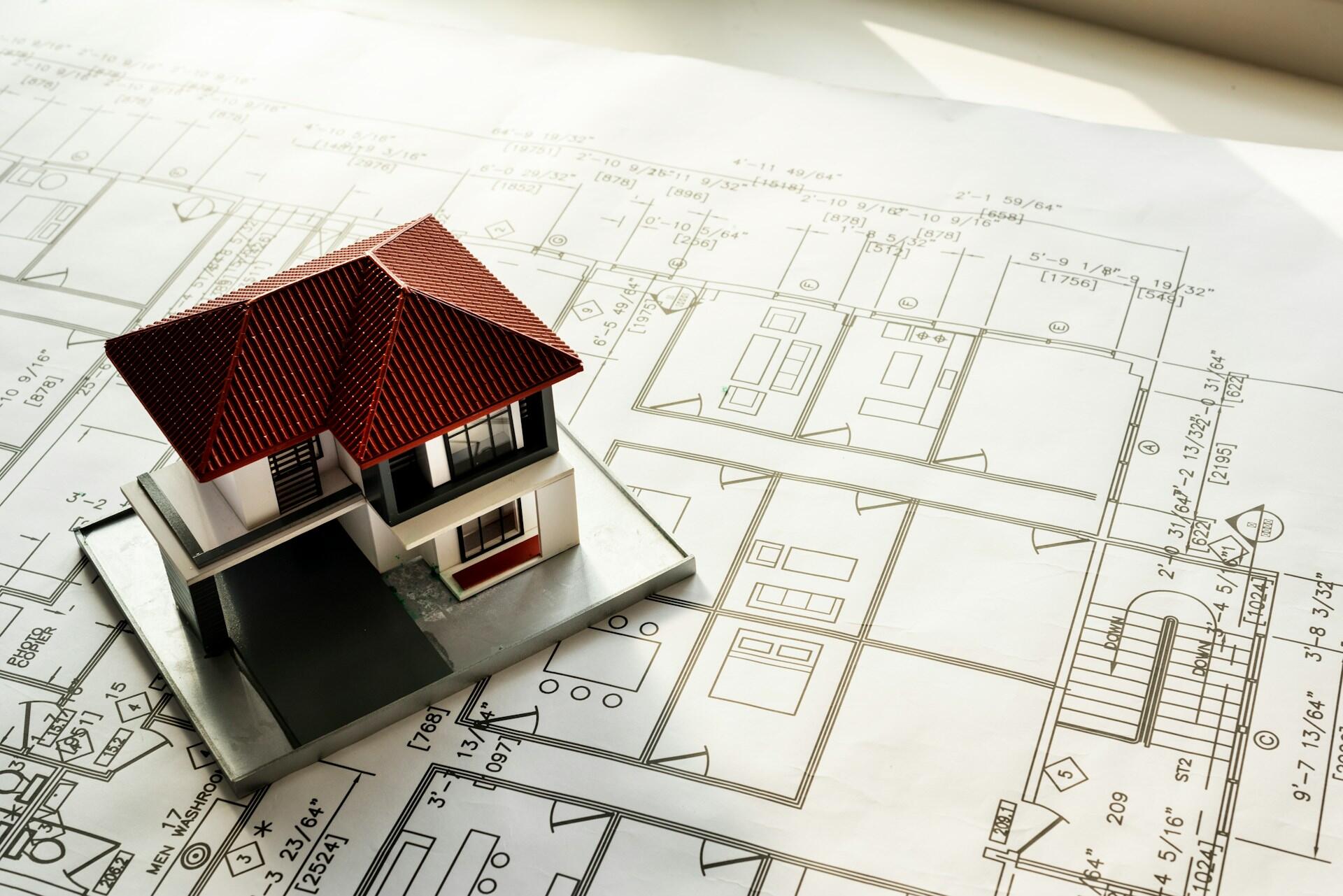
AutoCAD and Revit are computer-aided design (CAD) software programs allowing users to create 2D and 3D drawings. Both programs are well-reputed in the CAD world due to their accessibility and functionality in their respective areas. It could be hard to opt for the right one, especially if you are new to CAD programs.
The two software come with strengths and weaknesses that make them better suited for different tasks. AutoCAD is a general-purpose program typically used for creating 2D drawings, such as floor plans, section views, and schematics.
On the other hand, Revit is designed specifically to create building models. It includes features such as a library of components and the ability to model structural elements, making it an essential tool for architects and engineers.

Revit vs. AutoCAD: The Pros and Cons
AutoCAD and Revit are the most popular and functional software programs used by architects for model designing and drafting.
Both programs have unique features and benefits, so it is essential to understand their pros and cons in order to pick one that best suits your requirements. These are the top features and drawbacks to compare when learning about the difference between Revit and AutoCAD.
Pros of AutoCAD
AutoCAD is a versatile software program used for various kinds of projects. It offers high accessibility and user-friendliness, making it easy to learn for beginners. AutoCAD comes with a wide range of features and tools that can be used to create detailed and accurate designs.
Cons of AutoCAD
AutoCAD can be expensive, especially if using the latest and most advanced versions. Although accessible, users with no prior experience with similar software may find it challenging to use. It takes a lot of time to become a fluent AutoCAD user.
AutoCAD also primarily supports DWG and DXF file formats, making it difficult for those who need to work with different formats.
Average AutoCAD Subscription Costs:
Pros of Revit
Revit is specifically designed for complex architectural projects, making it perfect for architects and designers. It comes with a wide range of features and tools to create detailed and accurate designs. The software is easy to use and learn, even for beginners. It can help ensure there are no structural conflicts before building begins.
One great feature is the software's ability to integrate parametric qualities into assets' 2D designs. You also need far fewer drawings, especially during the design stage. Revit can make the same changes across your drawings, so you don't miss any instances.
Add your own components to your Revit library if needed, and use them across different drawings and projects.
Cons of Revit
Revit can be expensive, especially for its advanced versions; it's more expensive than AutoCAD. Some people may find it complex and may require training to use it efficiently. The default isometric view can make it difficult for designers to work with.
Revit focuses primarily on the structural aspects of a design, sometimes making it tedious to use for experimental or non-standard designs, especially in the ideation stage.
Average Revit Subscription Costs:
In general, AutoCAD and Revit are ideal for architectural design and drafting. However, it is vital to weigh the pros and cons of each program to choose the right one.
Which Software Do Professionals Prefer?
There is no consensus among professionals about which software program is better. Some prefer AutoCAD because it is more versatile and easier to use, while others like Revit for its ability to handle complex projects.
While choosing software, it is important to consider factors such as the type of project, budget, and skill level. Ultimately, the best way is to try out both programs to assess which one caters to your requirements.
Revit is preferable for Architects as it has more built-in features for architectural design. Also, Revit is better for BIM (Building Information Modelling), while AutoCAD is better for 2D drawings. So if you want to create a 3D model of a building, Revit would be the better choice. Learn Revit online from Superprof to unlock rewarding career opportunities as Revit developers.
Revit focuses more on the integrated aspects of different construction systems (like plumbing, electric, HVAC, etc) and features 3D modeling. AutoCAD focuses more on 2D drafting designs with more architectural and design detail.
Can You Use AutoCAD and Revit Together?
Still, torn between the two? The good news is that both AutoCAD and Revit can be used together. In fact, many professionals use both programs to take advantage of the unique features and benefits of each one. For instance, you can use AutoCAD to create a 2D drawing of your design and then use Revit to create a 3D model of the same design.
Many schools offer both AutoCAD and Revit classes. Some of the top ones include the University of Texas at Austin, Massachusetts Institute of Technology, University of California, and Southern California Institute of Architecture.
The decision about which school to attend depends on the specific needs and preferences of a student. If you prefer to learn both programs simultaneously at your own pace, AutoCAD and Revit online courses from Superprof.
Want to Master Your Revit Skills with Superprof?
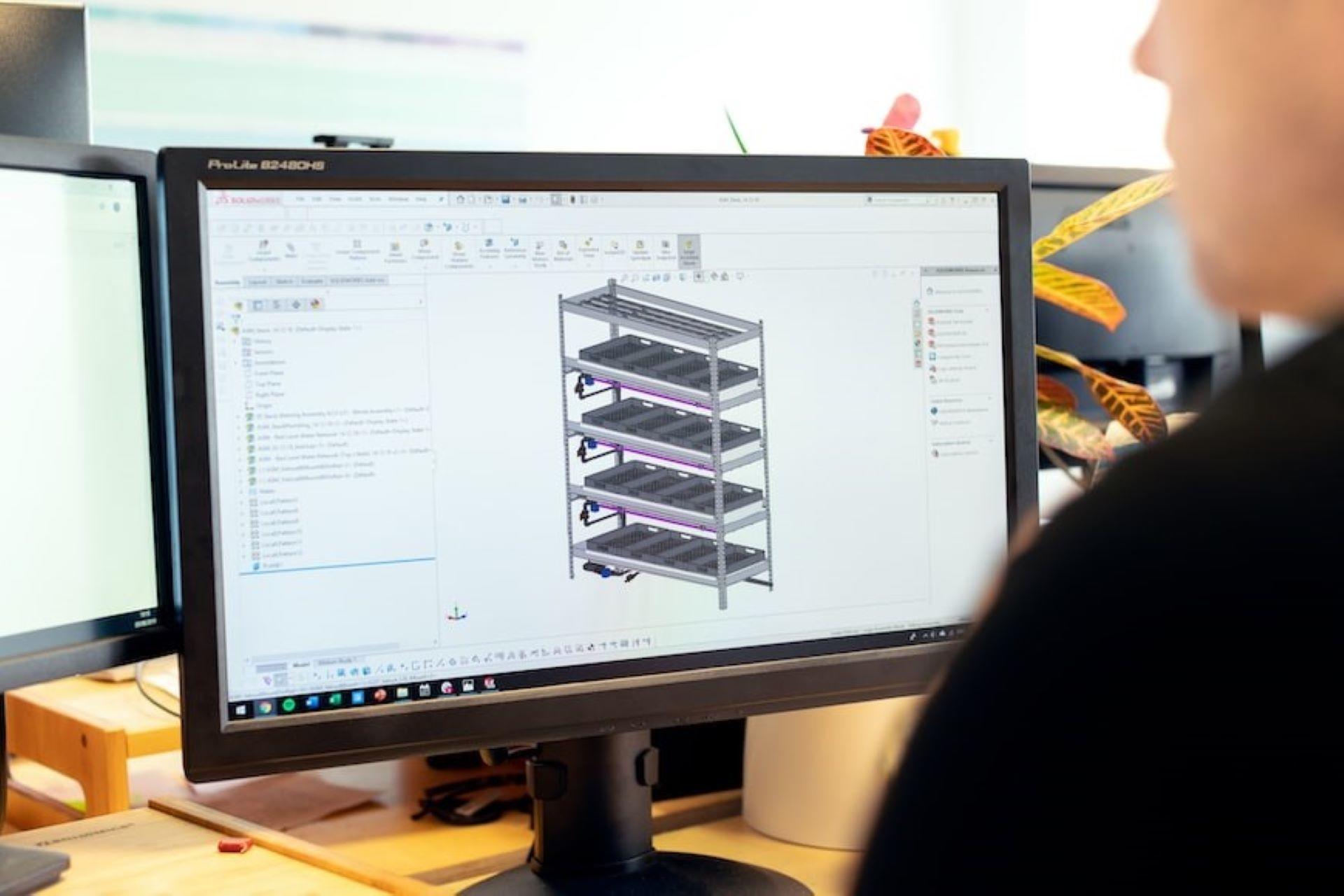
Revit is a powerful 3D software program that can be used to create detailed and accurate designs. It is generally used by architects, engineers, and construction professionals.
Designers and architects with Revit skills are in high demand in the construction market. If you are looking to improve your Revit skills, Superprof is the best place to start. Superprof offers a wide range of Revit courses taught by experienced professionals.
With Superprof, you can learn Revit at your own pace and from the comfort of your home. The qualified tutors will personalize a learning plan to address your concerns and help you become a Revit expert in no time.
Summarize with AI:
Did you like this article? Leave a rating!


 Loading...