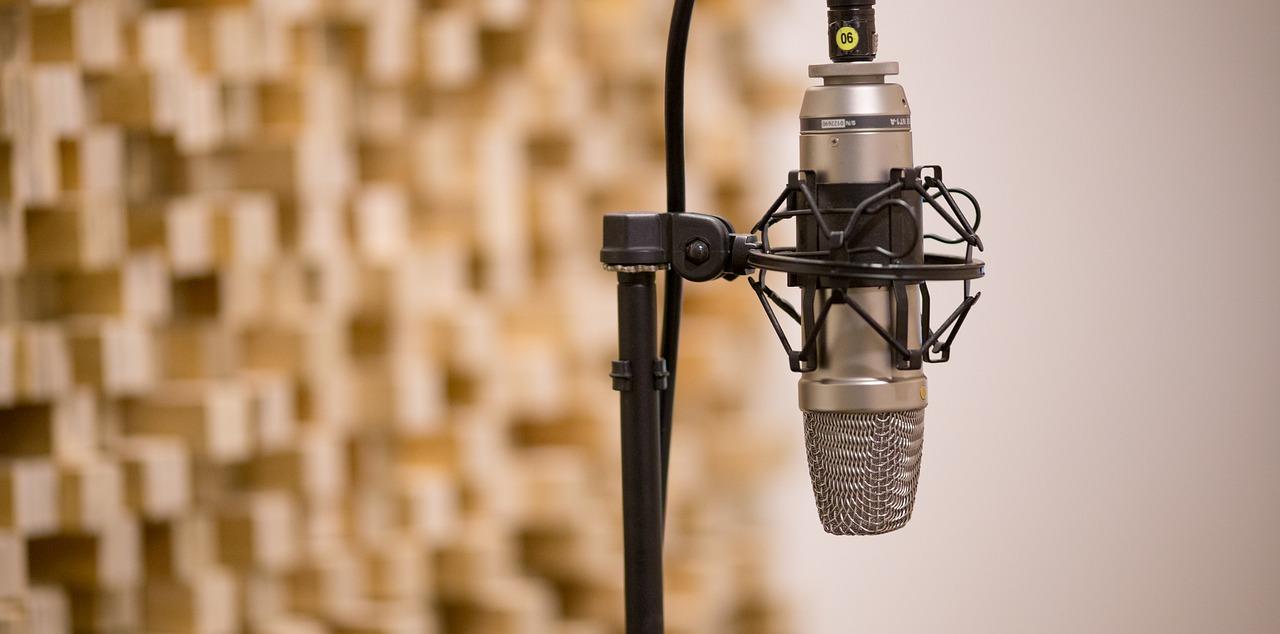

Here is exactly what separates a frustrating first vocal lesson from a great one: it is rarely the teacher's ear, and almost always the gear in the room. The right singing equipment for teachers turns a wobbly home setup into a space where students can hear themselves clearly, stay in tune, and actually want to come back.
A voice coach in 2026 splits time between an in-person studio and a webcam, so the kit has to do double duty. A single condenser microphone, for instance, both captures a student's tone for playback and feeds a clean signal into a Zoom lesson. The pieces below are organized exactly the way you will buy them: instrument and accompaniment first, then the core studio tools, then the software and online-lesson setup that make remote teaching sound professional.
Want to give private lessons?
Join the Superprof community and share your knowledge with interested and motivated students.
Do You Need an Instrument to Teach Singing? 🎹
Playing the piano or guitar is not a strict requirement for a voice coach, but it helps more than almost any other skill. Traditionally singing teachers accompany students on piano, though guitar accompaniment is increasingly common. Before a student attempts a full song, an accompaniment lets you feel out their tone and decide which styles suit them best, whether that is classical, opera, jazz, or musical theater.
Live accompaniment also drops the student into a performance environment, which gradually softens stage fright and prepares them for auditions. It trains the ear too, as singers get used to chord sequences and cadences. If you are an aspiring teacher who does not play, that is no obstacle. A weighted 61 or 88 key digital keyboard with a headphone jack covers most lessons, and you can download backing tracks for the rest. adult singing lessons rarely hinge on virtuoso playing; they hinge on a teacher who can hold a steady pitch reference.
🎯 What to Look for in a Teaching Keyboard
- A USB or audio output, so the keyboard can feed directly into a laptop for online lessons.
- Weighted or semi-weighted keys, so chords feel natural and you can sustain a reference pitch,
- A built-in metronome and transpose button, which lets you shift a song into a student's comfortable range instantly.
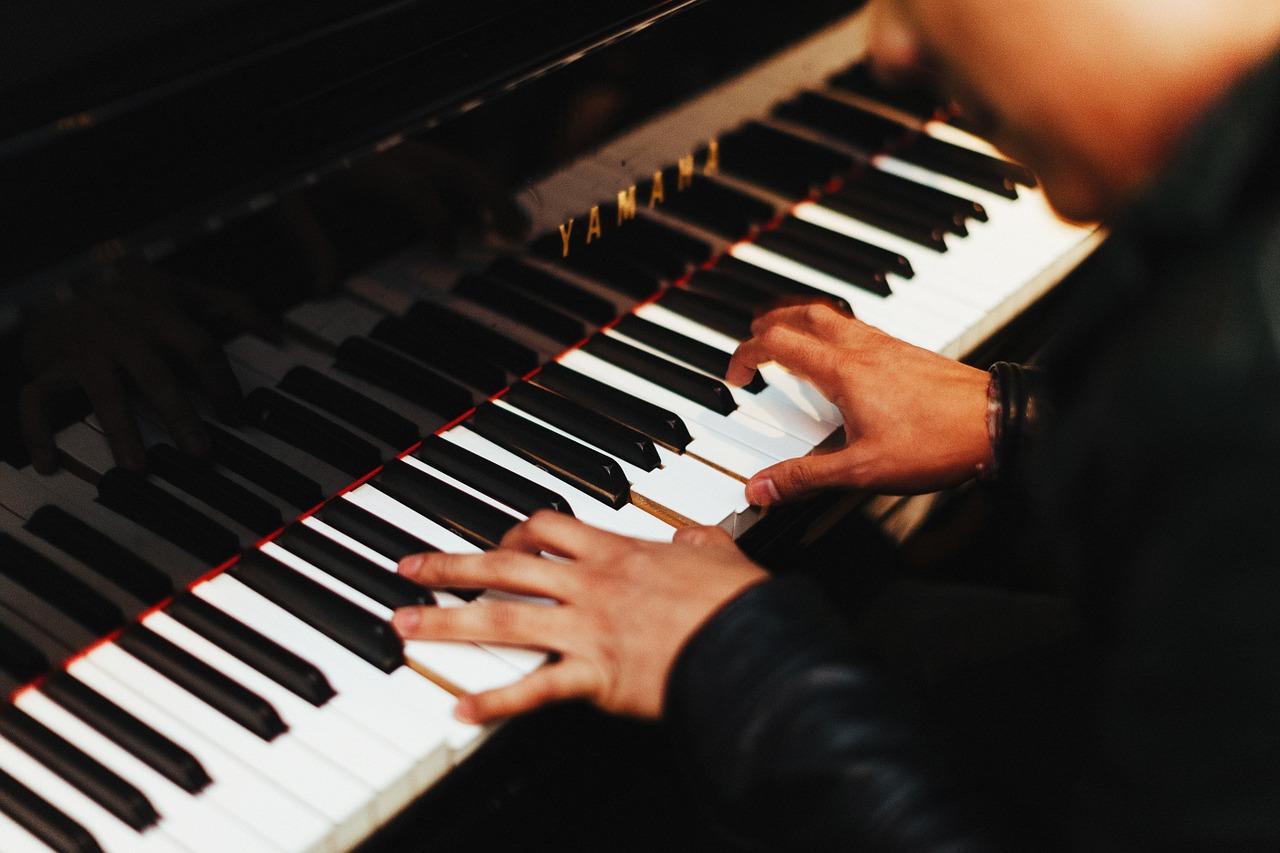
You do not need a grand piano to teach singing. A reliable 61-key digital keyboard with weighted keys and a transpose button handles pitch references, warm-ups, and key changes for a fraction of the cost, and it travels to a student's home if you teach on the road.
Build a Library of Songs and Sheet Music
When you deliver vocal coaching, a deep stock of pieces and songs is as essential as any microphone. Aim for material across genres, styles, and vocal ranges so there is something for every student, and pay extra attention to repertoire planning if you lead a choir and need plenty of parts on hand. Digital sheet-music platforms and public-domain archives make stocking up far easier than it was even a decade ago.
Reading music makes learning new pieces faster, since a student can sing through unfamiliar songs and start performing sooner. You will still meet plenty of students who never learned notation, and that is fine. You can either introduce basic music theory during lessons or adopt an ear-based, listening-first method. Either way, offering each student repertoire that fits their voice and taste keeps motivation high.
Look at all the singing lessons San Diego has to offer here on Superprof!
Want to give private lessons?
Join the Superprof community and share your knowledge with interested and motivated students.
The Core Studio Kit Every Voice Coach Needs
With repertoire and a keyboard sorted, you are close to ready. Every teacher collects favorite gadgets, but a handful of tools are genuinely non-negotiable for clear, productive vocal lessons. Treat this as the foundation of your singing equipment for teachers before you add anything fancy.
✨ The Four Essentials
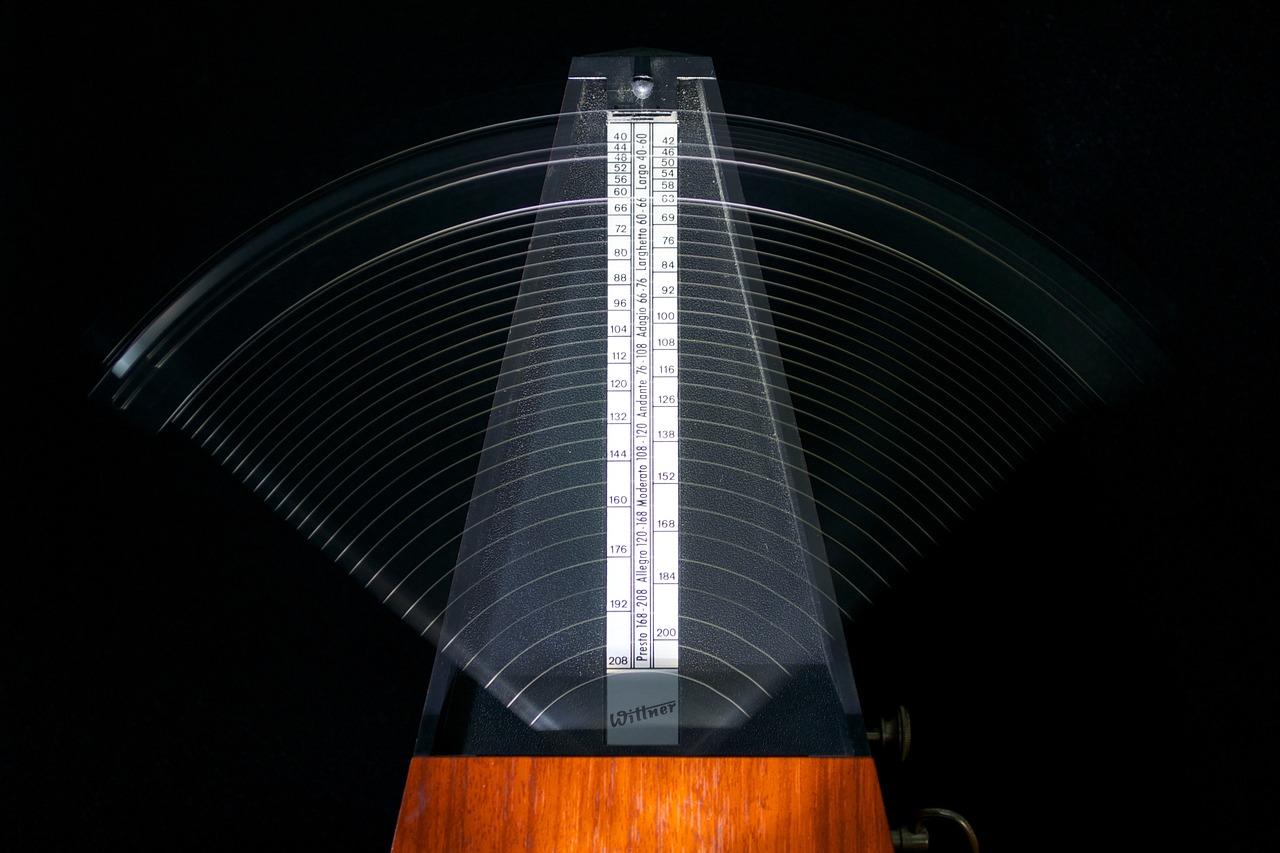
- A metronome, physical or app-based, to anchor rhythm and tempo,
- A sturdy music stand, to free your hands and keep a student's posture upright,
- Scores and a tablet, so you can pull up rehearsal material instantly,
- A digital audio recorder, so students can hear themselves sing and track progress.
These four cover a complete lesson. Once they are in place, you can think about a step up: a good-quality microphone and an audio interface turn a corner of your home into a mini studio, letting students experience singing into a mic as if performing.
Choosing a Microphone for Vocal Lessons
For recording and analyzing tone in a treated room, a large-diaphragm condenser microphone captures detail beautifully, though it needs phantom power from an audio interface and picks up room noise. For live teaching, online lessons, or untreated rooms, a dynamic microphone is more forgiving and rejects background sound. Many coaches keep one of each. A simple USB microphone is the easiest entry point if you mostly teach online and want plug-and-play simplicity.
Headphones and Room Treatment
A pair of closed-back studio headphones lets a student hear playback without bleeding sound back into the mic, which is vital when you record. Room treatment is the most overlooked upgrade: a few acoustic foam panels or even heavy curtains and a rug tame harsh reflections, so recordings sound like the voice and not the room. You do not need a professional booth, just enough soft surfaces to soften echo.
Computers, Software, and Online Lessons
There is little modern technology cannot help with, and a laptop has become the hub of a contemporary vocal studio. It is easy to transport, and it lets you provide accompaniment from downloads, record students to show progress over time, film posture for review, and hold scheduling software in one place. For teachers offering online tutoring, the laptop is also the lesson itself.
Software for Analysis and Recording
A laptop pairs naturally with a microphone and headphones, and a strong software stack does the rest. Several tools have become studio standards:
- VoceVista, to analyze a voice in detail by viewing pitch and spectral information as a real-time display,
- Audacity, a free editor handy for isolating vocals, removing tracks, and cleaning up recordings,
- A digital audio workstation, such as GarageBand or Reaper, for layering backing tracks and warm-up exercises.
How you use this gear depends on each student. A learner aiming to develop their talent for fun has very different needs from someone preparing for a professional audition. It is up to you to adapt, whether the focus is self-confidence, tone quality, breath control, vibrato, or other vocal techniques. If you are still mapping out your studio, it is worth reviewing what qualifications you need to become a singing teacher alongside your equipment list.

Setting Up for Online Singing Lessons
Video platforms compress audio aggressively, which flattens a singing voice, so a few settings matter. In Zoom, enable original sound for musicians and high-fidelity audio so pitch and dynamics survive the connection. A wired internet connection beats Wi-Fi for stability, and a USB microphone plus closed-back headphones will instantly outclass a built-in laptop mic. Good lighting and a webcam at eye level let you watch posture and breathing, which is half of effective remote coaching.
Apps Students Can Use Between Lessons
Smartphone applications can be just as useful as desktop software, and their portability is a real advantage for teachers who work outside their homes. Recording on a phone is quick, and the right app gives students a reason to practice between sessions, when motivation tends to dip. A mobile app can act as a virtual duet partner that keeps solo practice fun.
- Sing Sharp, a well-rounded app covering vocal warm-ups, pitch training, and breath support from the diaphragm,
- SWIFTSCALES, a professional-grade vocal trainer that builds custom warm-ups, though it has a steeper learning curve for beginners.
The goal is always the same: use your equipment to serve students while giving them the means to explore their own voice independently. A teacher in a busy market will lean on portable, online-ready gear, while a home-studio coach can invest in a more permanent recording corner. Match the kit to how you actually teach.
Great singing lessons does not require a wall of expensive gear. Start with the four essentials, add a reliable microphone, headphones, and a little room treatment, then build a software and app stack that fits your students. The right setup simply gets out of the way so the voice can do the work.
Want to give private lessons?
Join the Superprof community and share your knowledge with interested and motivated students.
Summarize with AI:
Did you like this article? Leave a rating!

 Loading...