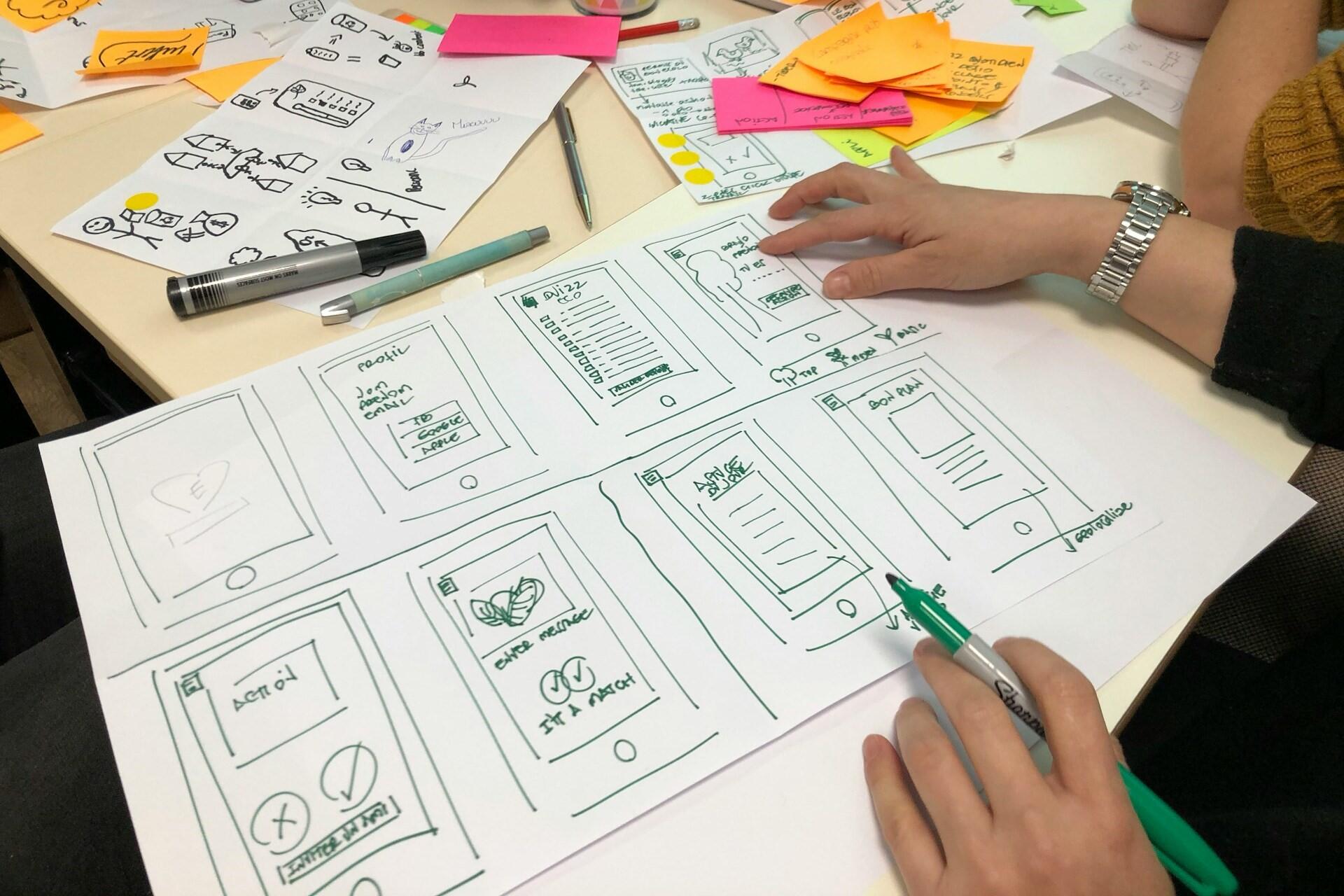

Wondering what UI design is? Basically, it's the person who designs the visual and interactive parts of digital products, from app screens and website menus to buttons, forms, icons, layouts, and prototypes. It's closely linked to UX design, but it definitely isn't the same.
Key Takeaways
- A UI designer creates the visual and interactive parts of digital products, including screens, buttons, forms, menus, icons, color, typography, spacing, and layout.¹
- UI design differs from UX design, though the two often overlap in job ads, courses, and product teams.¹
- Core UI designer skills include visual hierarchy, typography, colour, layout, component design, accessibility, prototyping, usability, collaboration, and design tools such as Figma.²
- The median salary for UI/UX Designer roles in the UK is $60,000 per year, while experienced UX designers can earn up to $68,000.⁶
- You do not always need a degree to become a UI designer, but you do need practical skills, a strong portfolio, and evidence that you can design clear, usable interfaces.⁹


What Is the Role of a UI Designer?
A UI designer is a graphic design job that helps people see, understand, and use a digital product. Their work shapes users' impressions of websites and apps, but it also influences how they find information. UI design is both a creative role and a practical one.
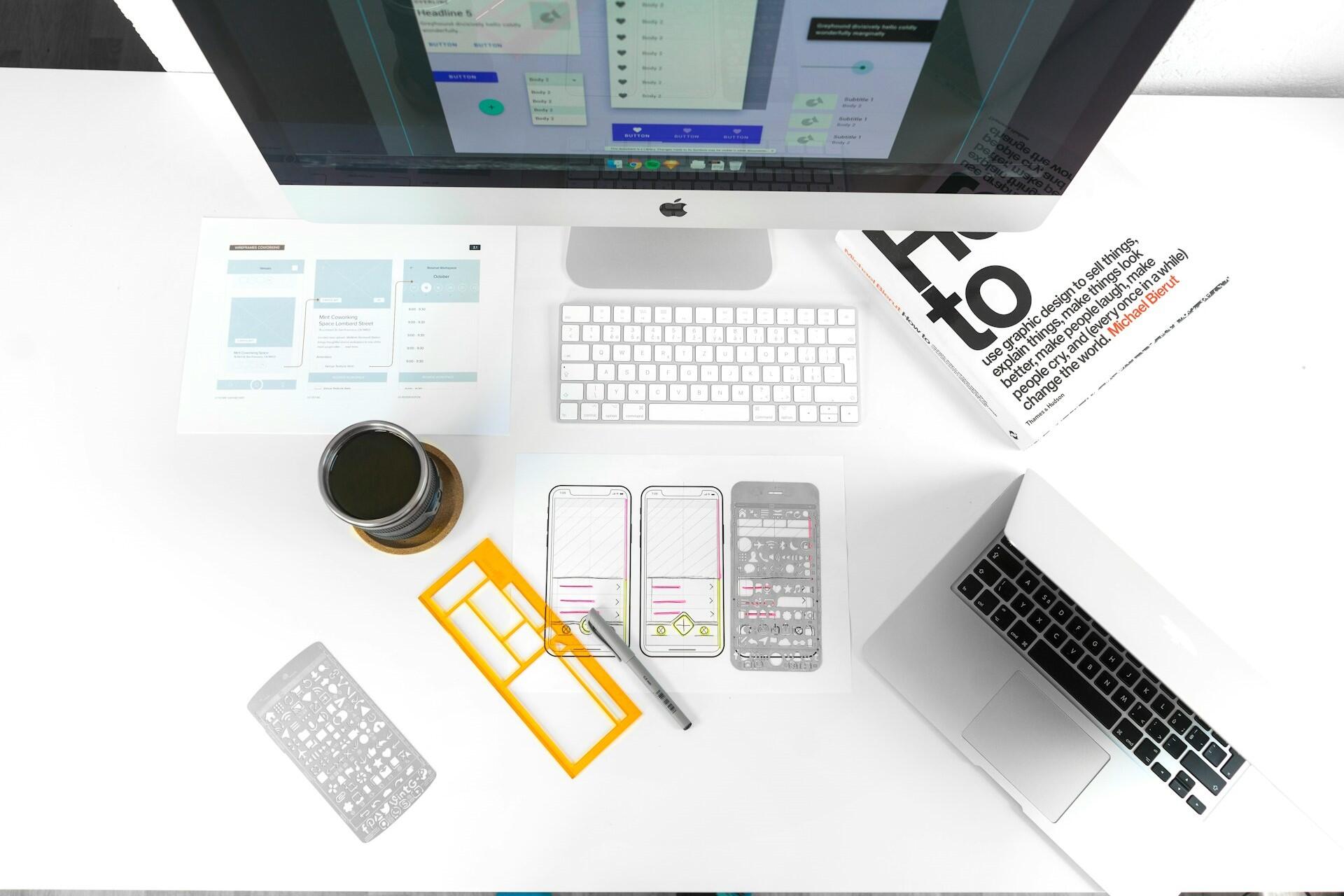
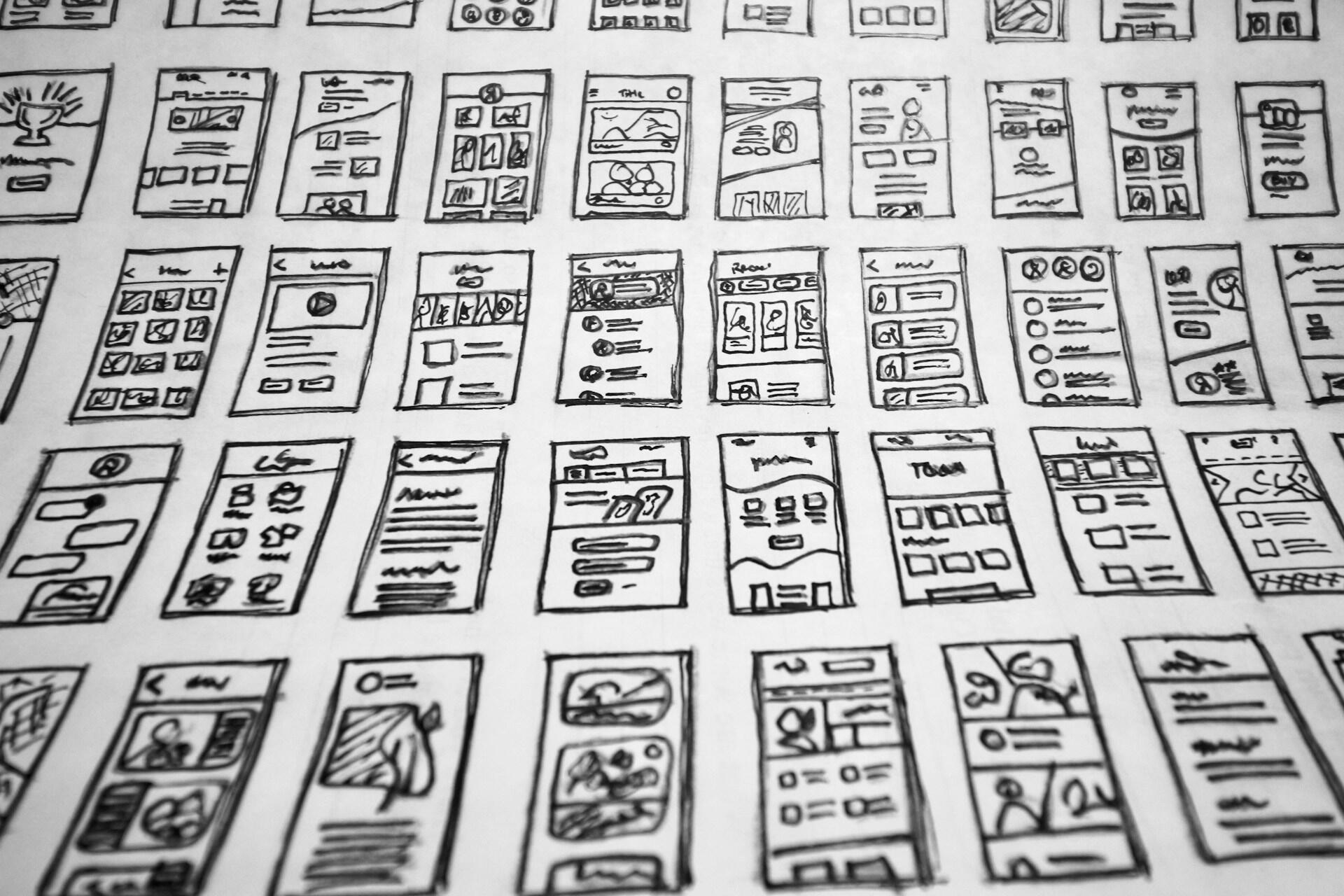
A UI designer creates the visual and interactive elements of a digital product, including screens, buttons, menus, forms, icons, spacing, typography, color, and layout, so users can navigate an app, website, or platform clearly and confidently.¹
Essential Skills for UI Designers in the Industry?
Not to be confused with the similarly named UX design role, strong UI is about more than making a screen look polished. Designers have to consider how choices work across full products from sign-up pages to dashboards, settings, notifications, and help screens. Consistency is a practical skill alongside all the other skills they need.
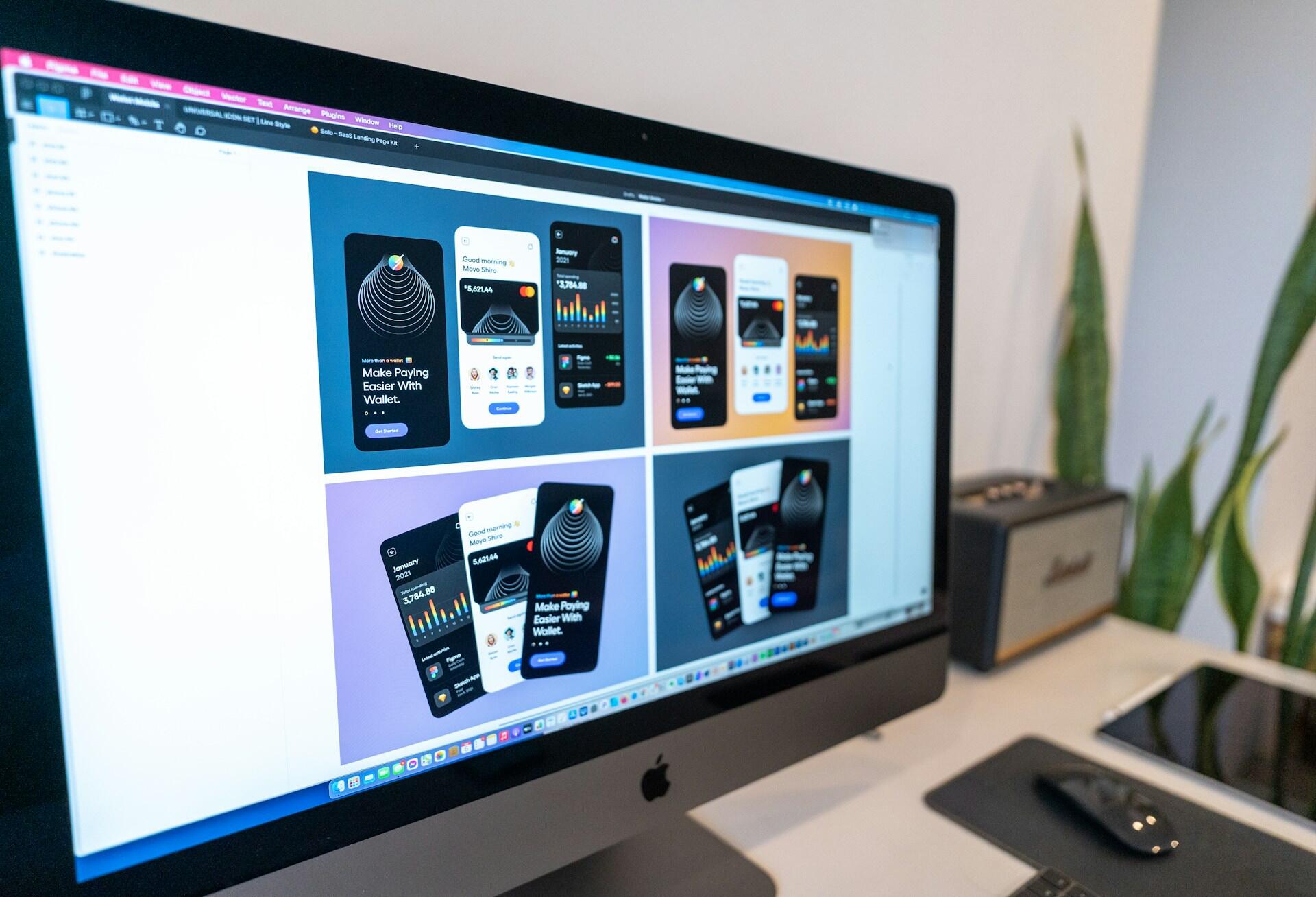
A design system provides designers and developers with a shared set of components, styles, patterns, and rules, helping digital products feel consistent from one screen to the next. This is especially useful on larger websites, apps, and public services where many people contribute to the same interface.⁴
Good interfaces don't assume that every user is the same. UI designers need to support clarity, flexibility, and ease of use across different devices, abilities, and contexts. Accessibility has to be built in from the start of the design process. This may include whether or not to use motion graphics or not, which when used on text, may be difficult for some users to read.
Accessible UI design means creating interfaces that people can use in different ways, including with keyboards, screen readers, zoom tools, clear contrast, and predictable navigation. For a UK article, this is especially important because public sector websites and apps have formal accessibility requirements, while private businesses also benefit from making digital products easier for more users.⁵
Employers value designers who understand the role. They should be well-versed in usability, accessibility, and the practical standards that make digital products easier for more people to use. Accessibility knowledge doesn't just make you a better UI designer; it can also boost your earning potential and, for some companies, be central to their brand identity.
principles: perceivable, operable, understandable, and robust, giving UI designers a practical framework for making interfaces easier for more people to use.⁵
UX and UI are closely linked, but they're not the same. You'll often see them together in job adverts and course descriptions. Just remember that they're not the same role.
UI Design
UI design focuses on what users see and interact with on a screen. This includes layout, color, typography, buttons, icons, menus, forms, components, and visual consistency across a digital product.³
UX Design
UX design focuses on the wider experience of using a product. This includes research, user journeys, information architecture, testing, accessibility, and whether the product helps users complete their goals smoothly.⁷
UI Designers' Salary Insights
Before most people embark on a career, they'll want to know their earning potential. UI roles might fall under different job titles, like UI designer, UX designer, product designer, or UI/UX designer, so you can see pay data often overlap across related graphic and marketing design positions. Let's start with the average salary to get a sense of what we're looking at.
per year.⁶
Experience can make a difference in any role. To better understand whether UI design is for you, consider the earning potential. It's nice to start on a good wage, but if that barely increases, it might be worth looking at other options.
a year.⁷
How to Become a UI Designer?
Does this all sound good for you? If you're interested in UI design and the salary, you're ready to take the next steps. Some people start with graphic design, web design, product packaging work, or digital marketing, while others build their skills through courses, self-study, and practice projects.
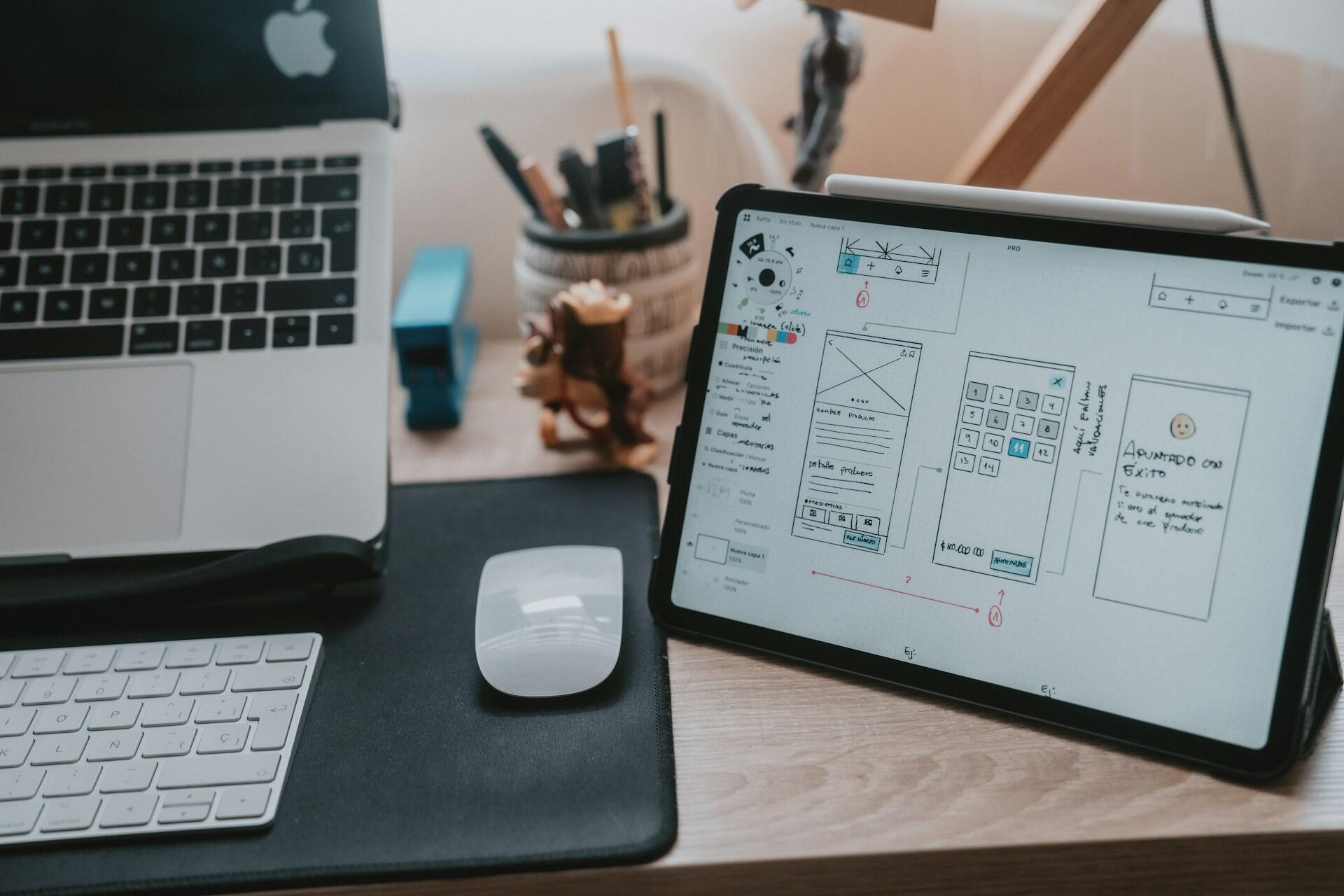
A beginner UI designer does not need years of paid work before building a portfolio. Practice projects, redesigns, coursework, volunteer work, and self-initiated app or website concepts can all help demonstrate layout, typography, component design, and problem-solving skills, as long as the process is clearly explained.¹
Key Vocabulary for UI Designers
In roles like UI Design, it can sometimes sound like a foreign language. Even if you know all the words, you mightn't understand them in their job-specific context. Here's a quick glossary for budding UI designers.
| Route | Best For | What You Build | Useful Next Step |
|---|---|---|---|
| University degree | Students who want a structured route into animation, visual effects, graphic design or motion graphics | Design theory, animation skills, project work, software confidence and a portfolio | Compare US courses look for modules in motion graphics, visual effects, animation or digital design.⁹ |
| College course | Beginners who want practical creative training before work, university or an apprenticeship | Basic design, video, animation, editing and creative software skills | Use each assignment as portfolio material rather than treating it as coursework only. |
| Apprenticeship | Learners who want to earn while training in a creative digital role | Client work, digital assets, brand-guided design, storyboards, video and production-ready creative outputs⁸ | Search for creative digital design apprenticeships and prepare a small portfolio before applying. |
| Portfolio-led route | Self-taught designers, video editors or graphic designers moving into motion work | A showreel, personal projects, mock briefs and proof of technical skill | Keep the showreel short, put the strongest work first and make your role in each project clear.⁶ |
| Graphic design transition | Designers who already understand layout, branding, typography and visual communication | Moving brand assets, animated social posts, title cards and campaign visuals | Start by animating logos, posters, typography and simple brand systems. |
| Video editing transition | Editors who already understand timing, pacing, sound and production workflow | Titles, lower thirds, transitions, animated explainers and post-production graphics | Add motion graphics to existing edits so your reel shows practical production value. |
| Freelance route | Designers who want flexibility, client variety and project-based work | Client communication, pricing, feedback management and repeatable production systems | Build a simple services page, define packages and collect testimonials from early clients. |
References
- Coursera Staff. “What Does a User Interface (UI) Designer Do? Role Explained.” Coursera, 18 Mar. 2026, https://www.coursera.org/articles/what-is-a-user-interface-ui-designer-guide. Accessed 29 May 2026.
- Figma. “Free Online UI Design Tool and Software for Teams.” Figma, https://www.figma.com/ui-design-tool/. Accessed 29 May 2026.
- Figma. “What Is UI Design?” Figma, https://www.figma.com/resource-library/what-is-ui-design/. Accessed 29 May 2026.
- Government Digital Service. “Components.” GOV.UK Design System, https://design-system.service.gov.uk/components/. Accessed 29 May 2026.
- Government Digital Service. “Understanding Accessibility Requirements for Public Sector Bodies.” GOV.UK, https://www.gov.uk/guidance/accessibility-requirements-for-public-sector-websites-and-apps. Accessed 29 May 2026.
- User Interface Designer Salary in United States, www.indeed.com/career/user-interface-designer/salaries. Accessed 5 June 2026.
- User Experience Designer Salary in United States, www.indeed.com/career/user-experience-designer/salaries. Accessed 5 June 2026.
- Nielsen, Jakob. “10 Usability Heuristics for User Interface Design.” Nielsen Norman Group, https://www.nngroup.com/articles/ten-usability-heuristics/. Accessed 29 May 2026.
- Prospects. “UX Designer.” Prospects, https://www.prospects.ac.uk/job-profiles/ux-designer/. Accessed 29 May 2026.
- World Wide Web Consortium. “Web Content Accessibility Guidelines (WCAG) 2.2.” W3C, 12 Dec. 2024, https://www.w3.org/TR/WCAG22/. Accessed 29 May 2026.
Summarize with AI:
Did you like this article? Leave a rating!

 Loading...